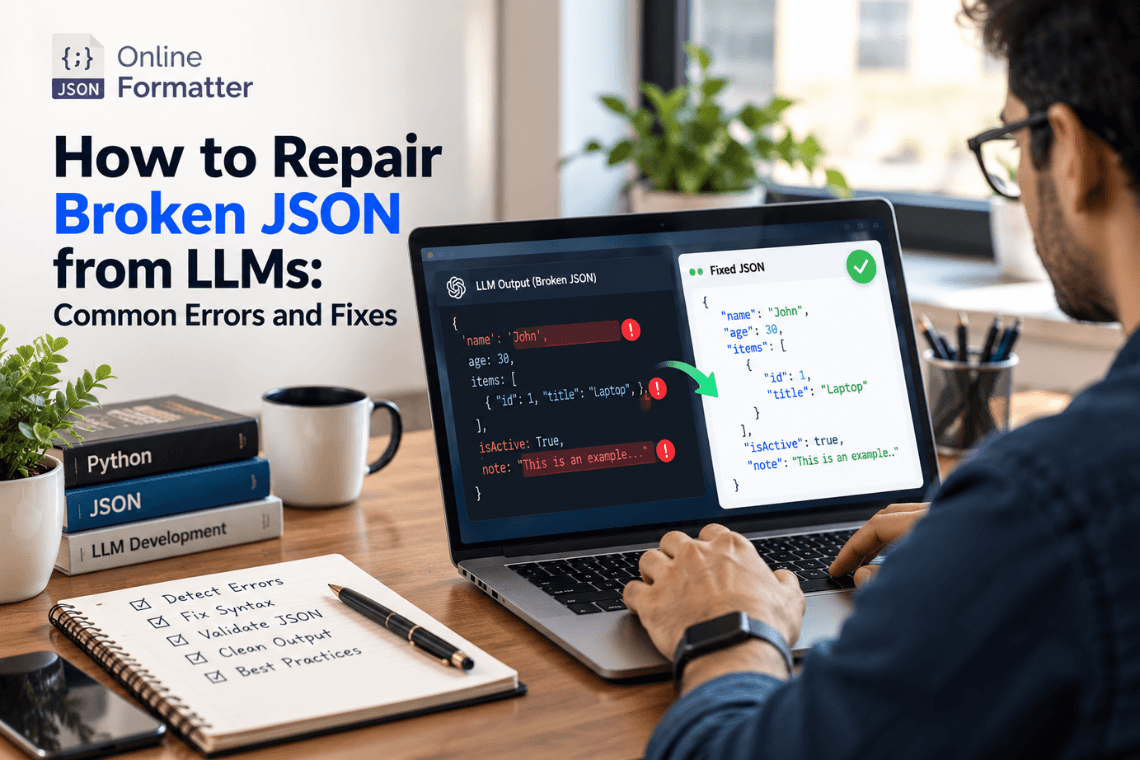
How to Repair Broken JSON from LLMs: Common Errors and Fixes
Any Large Language Model (LLM) writes text content one token at a time, and then writes the next token. text one token a…
Read moreTurn SQL Data Into Clean JSON Instantly
Drag & Drop your .sql file here
or click to browse
Table of Contents
If you've ever pulled data out of a database and needed it in JSON for an API, a frontend app, or a NoSQL system, you know the manual conversion gets tedious fast especially once you're dealing with more than a handful of rows. Our SQL to JSON Converter takes that pain away. Paste your SQL INSERT statements or query result data, and get back properly structured JSON in seconds.
This tool is built for developers, backend engineers, and database administrators who regularly move data between relational databases and JSON-based systems, think REST APIs, MongoDB, Elasticsearch, or JavaScript applications that expect JSON as their native format. It runs entirely in your browser, so there's nothing to install and no data sitting on someone else's server longer than it needs to.
Below, we'll walk through exactly what the tool does, why you'd need this conversion in the first place, and how to get the most out of it.
At its core, the converter reads structured SQL data typically INSERT INTO statements or tabular row-and-column data and maps each row into a JSON object, with column names becoming keys and cell values becoming the corresponding values.
Example:SQL Input:
INSERT INTO employees (id, name, department, salary) VALUES, (1, 'Ravi Kumar', 'Engineering', 65000), (2, 'Sneha Patil', 'Marketing', 52000);
JSON Output:
[ { "id": 1, "name": "Ravi Kumar", "department": "Engineering", "salary": 65000 }, { "id": 2, "name": "Sneha Patil", "department": "Marketing", "salary": 52000 } ]Each row becomes a self-contained object, and the full set is wrapped in a JSON array ready to drop straight into an API response, a config file, or a NoSQL import script.
What it handles:A note on limits: this tool is built to parse standard SQL syntax cleanly. Highly customized or vendor-specific SQL dialects (deeply nested subqueries, procedural blocks, stored procedure output) may need manual review after conversion; we'd rather tell you that upfront than have you assume it works perfectly on everything.
Most modern REST APIs return JSON, not raw SQL rows. If you're prototyping an endpoint or mocking data for a frontend team, converting your database rows straight to JSON saves you from writing a full backend just to test the shape of your data.
Moving from MySQL or PostgreSQL to MongoDB, Firebase, or DynamoDB? These databases store documents in JSON-like structures. Converting your existing SQL data to JSON is often the first practical step in that migration.
JavaScript frameworks work natively with JSON. Instead of setting up a live database connection just to test a UI component, developers often convert a sample of SQL data into JSON and use it as mock/test data.
Not every system speaks SQL. JSON is closer to a universal format for passing data between services, third-party tools, and applications written in different languages.
Some reporting tools and log aggregators consume JSON rather than raw database exports, making this conversion a common step in reporting pipelines.
| Aspect | SQL | JSON |
|---|---|---|
| Structure | Rows and columns (tabular) | Key-value objects (hierarchical) |
| Relationships | Handled via foreign keys, joins | Handled via nested objects/arrays |
| Best suited for | Relational data with fixed schema | Flexible, document-style data |
| Typical consumers | Relational databases (MySQL, PostgreSQL) | APIs, NoSQL databases, JavaScript applications |
| Readability for web apps | Requires an ORM or database driver | Native to JavaScript and most modern programming languages |
Understanding this difference matters because the conversion isn't always 1:1. A normalized SQL table with foreign keys doesn't automatically "know" how to nest itself in JSON. This tool handles single-table conversions cleanly; for multi-table relational data, you'll want to structure the JOIN output yourself before converting, so the JSON nesting reflects the relationships you actually want.
Paste your SQL INSERT statement(s) into the input box, or upload a .sql file.
The tool parses your SQL, maps columns to keys, and generates the corresponding JSON structure.
Copy the result to your clipboard for immediate use, or download it as a .json file for your project.
We know SQL exports often contain real business or user data, so here's exactly how it's handled:
That said, if your SQL data includes personal information, financial records, or anything regulated, treat any online conversion tool the way you'd treat any third-party service check your organization's data policy before pasting it in, regardless of which tool you're using.
It works on SQL text you provide (like INSERT statements), not a live database connection. You're not giving the tool access to your database, you're pasting the SQL output you already have.
It converts one table's data at a time based on the INSERT statements you provide. If you need multiple tables combined into a nested JSON structure, you'll need to define that relationship manually, since SQL doesn't specify how tables should nest in JSON; that's a decision your application logic makes.
It's built primarily around INSERT statement syntax, since that format explicitly lists both column names and values. If you're working from a SELECT output, format it as an equivalent INSERT statement or a simple column/value table first for the most reliable conversion.
NULL values in SQL are converted to null in JSON, keeping the data type distinction intact rather than converting them to an empty string.
Yes numeric values are output as JSON numbers (not quoted strings), and boolean-style values are mapped to JSON true/false where the SQL syntax makes that clear.
The tool handles typical development-sized datasets well. For very large exports (hundreds of thousands of rows), a script-based approach on your own machine may run faster than a browser tool.
No. Your input is processed for the conversion and isn't kept afterward.
That's a separate conversion direction check for a JSON to SQL tool if you need to go the other way.
It's designed around standard SQL INSERT syntax, which is largely consistent across MySQL, PostgreSQL, and SQL Server. Highly dialect-specific syntax may need a quick manual check after conversion.
No setup at all; it runs in your browser. Paste your SQL, click convert, and you have your JSON.
Any Large Language Model (LLM) writes text content one token at a time, and then writes the next token. text one token a…
Read more
You’ve got a JSON response from an API. It’s got nested objects, arrays, nullable fields the works. Before t…
Read more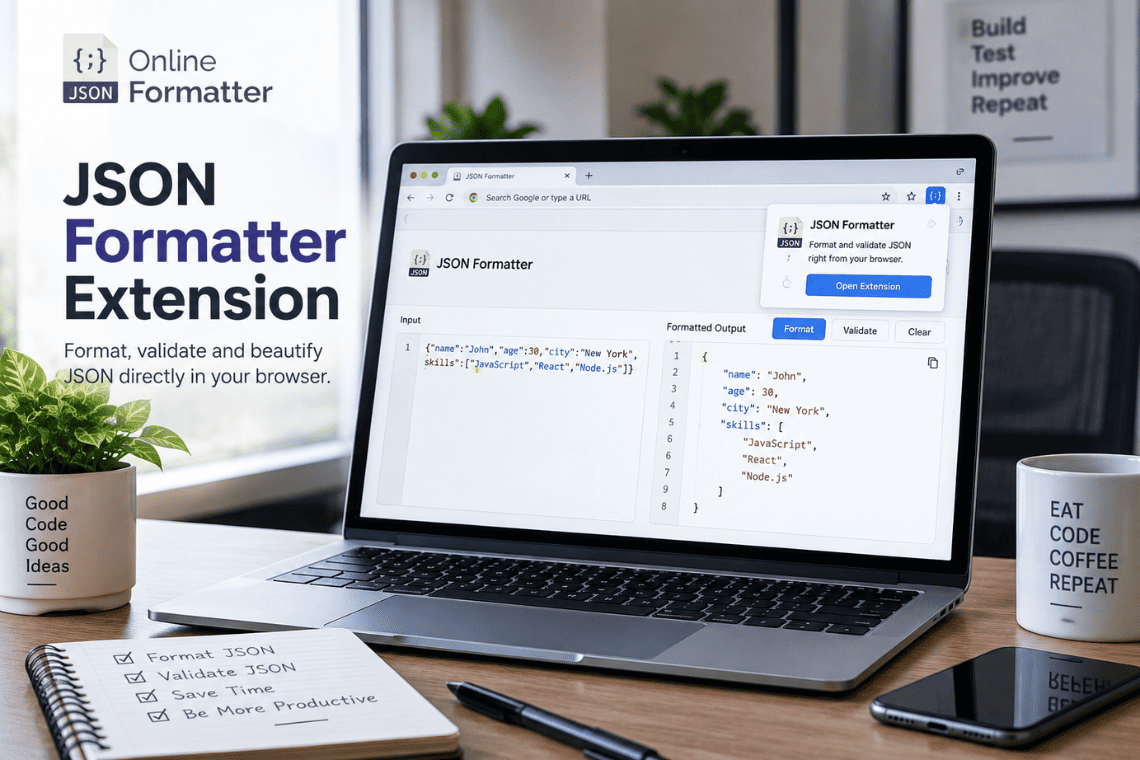
You open an API endpoint in a new tab to check a response, and the browser shows you a solid wall of text. No indentatio…
Read more