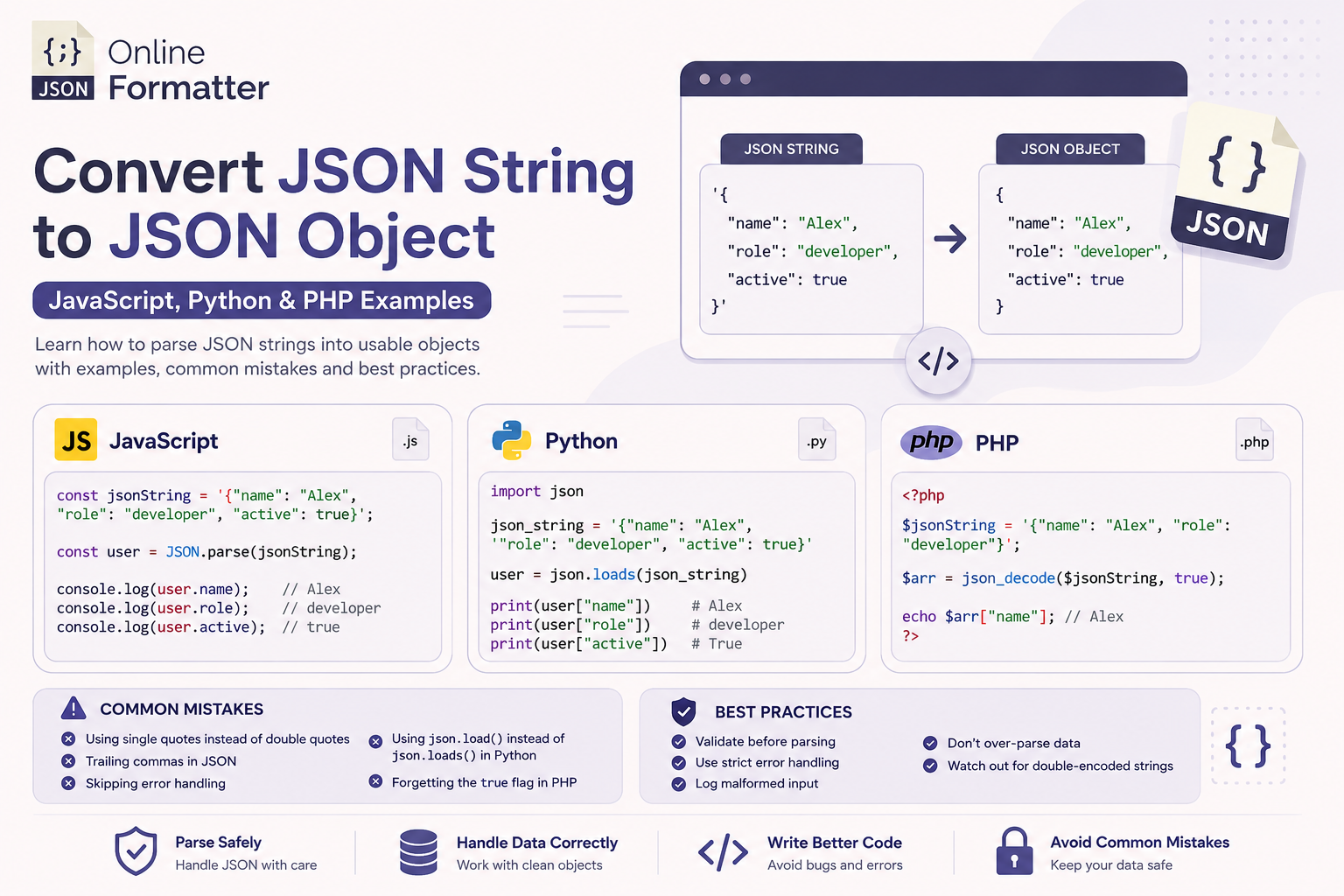
How to Convert JSON String to JSON Object – JavaScript, Python & PHP Examples
You’re calling an API. The response comes back. You try to access response.user.name and get nothing. Or worse, un…
Read moreCompare two JSON documents and identify differences, additions, and modifications
Table of Contents
JSON Compare is a powerful tool that allows you to compare two JSON documents side-by-side and identify differences between them. Whether you're debugging API responses, tracking configuration changes, or verifying data transformations, our JSON Compare tool makes it easy to spot additions, deletions, and modifications in your JSON data.
Enter or paste your JSON data into the two editor panels. You can input JSON directly, load it from a URL, or upload JSON files.
Click the "Compare JSON" button to analyze the differences between the two JSON documents. The tool will parse both inputs and perform a deep comparison.
The comparison results display statistics showing the number of added, removed, modified, and unchanged properties. Detailed differences are highlighted for easy identification.
Download a comprehensive comparison report that documents all the differences found between the two JSON documents.
View both JSON documents simultaneously in a clean, intuitive interface that makes it easy to compare data structures.
The tool performs deep comparison of nested objects and arrays, ensuring that no differences are missed regardless of how complex your JSON structure is.
Differences are clearly highlighted with color-coding: green for additions, red for removals, and yellow for modifications.
Get instant statistics showing the total number of changes, including additions, deletions, modifications, and unchanged properties.
Load JSON data from text input, URLs, or by uploading files, providing flexibility for different workflows.
Quickly swap the two JSON inputs to view the comparison from a different perspective.
Quickly identify what changed between two API responses or configuration files, significantly reducing debugging time.
Track changes in configuration files across different environments or versions, ensuring consistency and preventing errors.
Verify that data transformations or migrations have been performed correctly by comparing the source and target data.
Compare different versions of JSON documents to understand what has changed over time.
Validate that your application produces the expected JSON output by comparing actual results against expected data.
Using the JSON Compare tool is straightforward:
Paste or type your first JSON document into the "Input 1" editor on the left side.
Paste or type your second JSON document into the "Input 2" editor on the right side.
Click the "Compare JSON" button in the center to start the comparison process.
View the comparison statistics and detailed differences displayed below the editors.
Download the comparison report for documentation or further analysis.
JSON Compare can detect additions (new properties in the second JSON), deletions (properties present in the first but missing in the second), modifications (properties with different values), and identifies unchanged properties.
Yes, JSON Compare can handle reasonably large JSON files. For extremely large files (several MB), performance may vary depending on your browser and device capabilities.
Yes, all JSON comparison is performed entirely in your browser. Your data is never sent to any server, ensuring complete privacy and security.
Absolutely! JSON Compare performs deep comparison of nested objects and arrays, detecting differences at any level of nesting in your JSON structure.
You’re calling an API. The response comes back. You try to access response.user.name and get nothing. Or worse, un…
Read more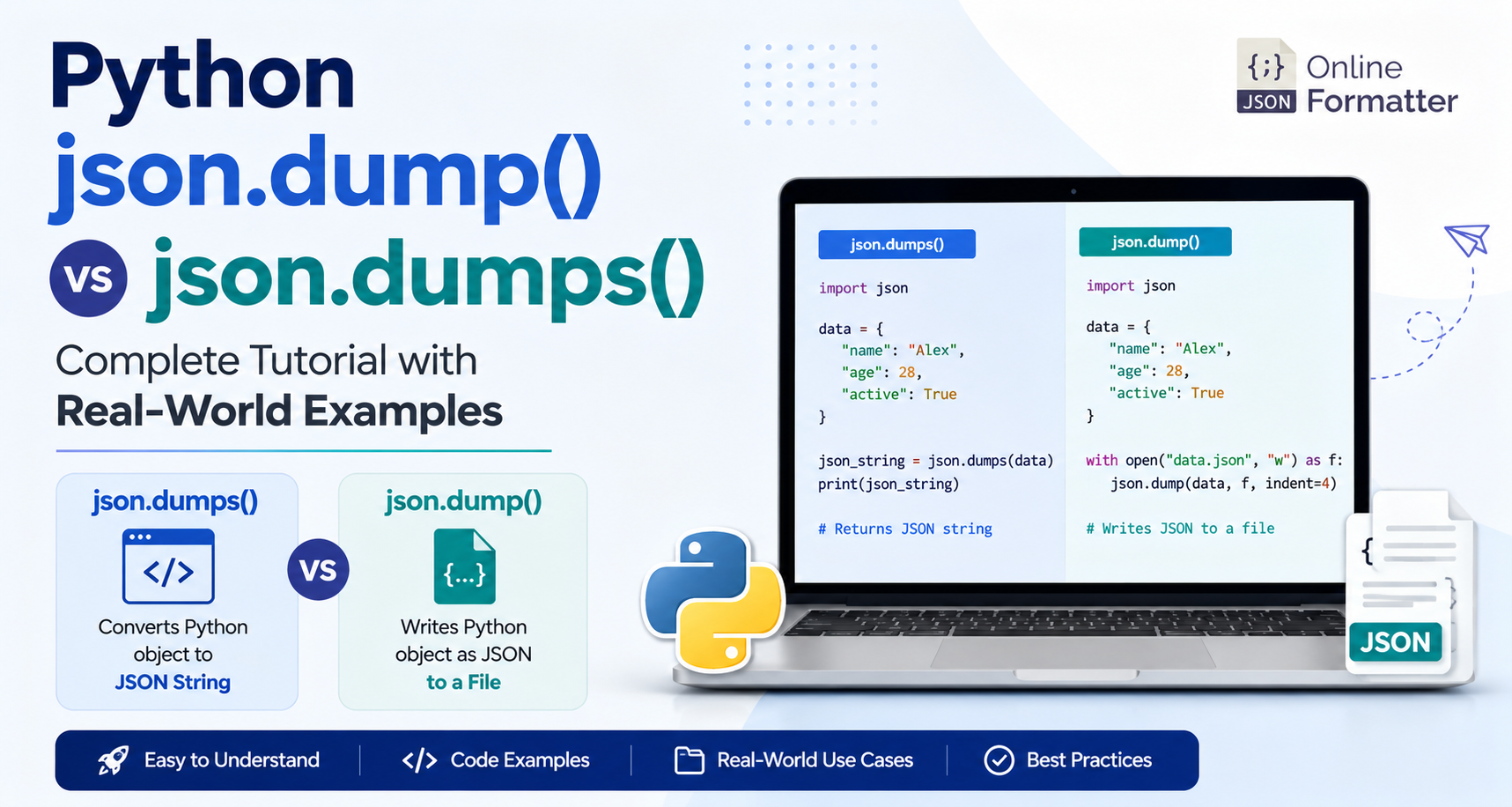
You’ve got a Python dictionary. You need to work with JSON. You open the docs, and suddenly you’re staring a…
Read more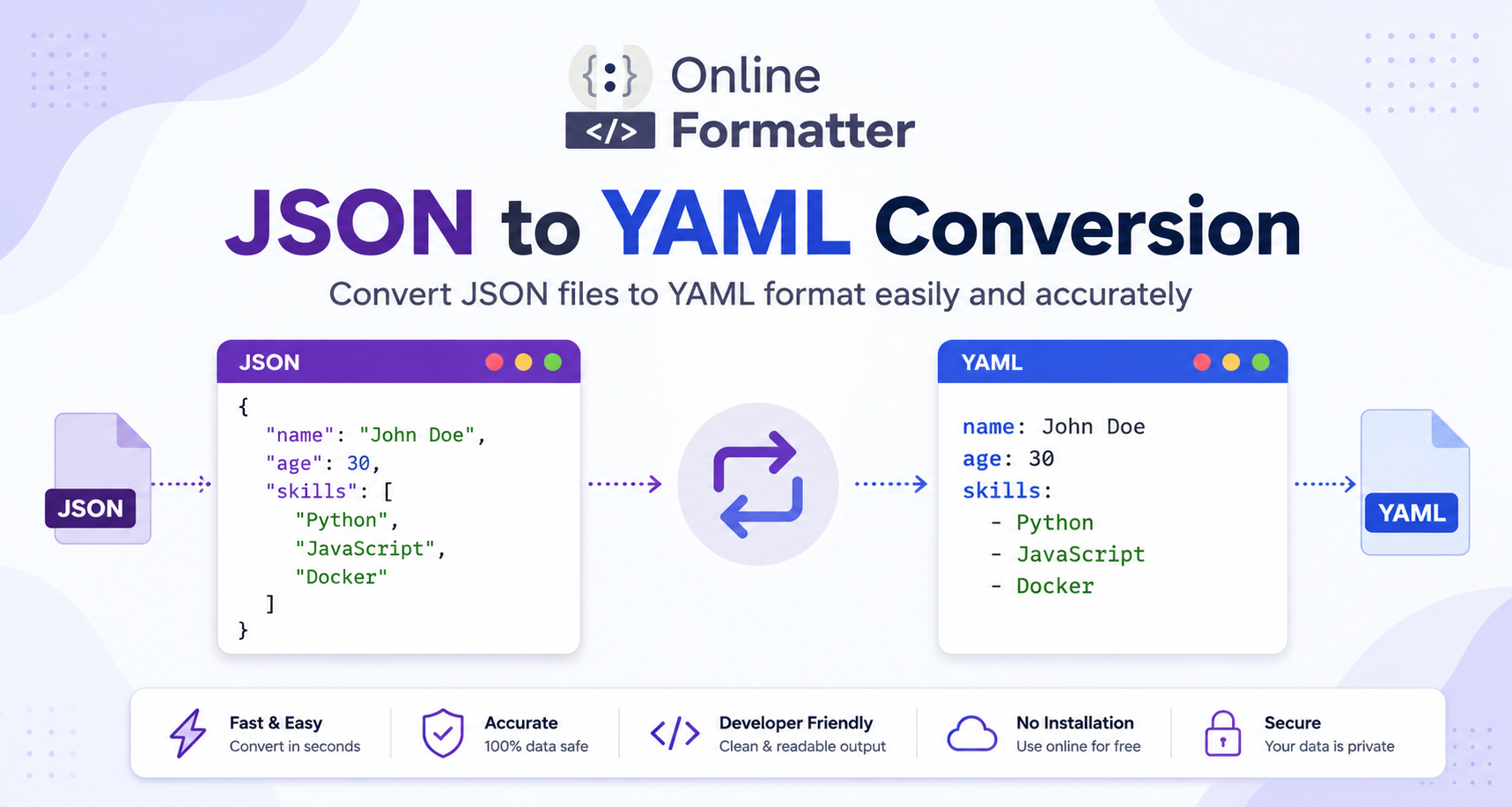
You have a JSON config file and CI/CD needs YAML. Or perhaps you’re deploying a cluster to Kubernetes and the reso…
Read more