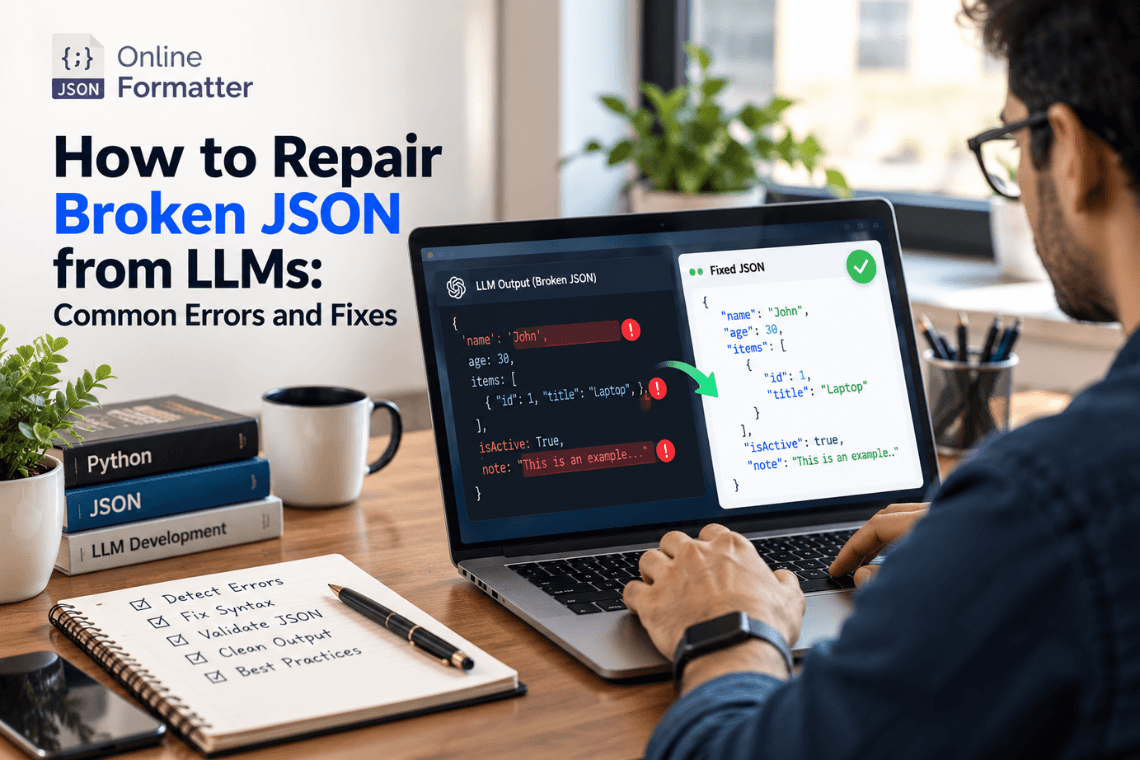
How to Repair Broken JSON from LLMs: Common Errors and Fixes
Any Large Language Model (LLM) writes text content one token at a time, and then writes the next token. text one token a…
Read moreTable of Contents
Data transmission between web apps and servers is generally handled via JSON, JavaScript Object Notation. Developers love it because of its human-readable and minimal weight construction. To guarantee correct data transfer and processing, developers often must escape or unescape special characters when working with JSON in other environments-particularly in online apps or APIs.
JSON escaping is the technique of translating special characters in a JSON string into their matching escape sequences. This is required when the string has to include special characters such quotations ("), backslashes (\), or control characters (like newlines \n). These characters may compromise the JSON data's grammar and structure without appropriate escape, therefore causing problems during processing or transmission.
For instance, consider the JSON string:
json Copy code { "message": "He said, \"Hello!\"" }In this example, the double quotes within the string ("Hello!") need to be escaped to avoid confusion with the enclosing quotes. Escaping them would result in:
json Copy code { "message": "He said, \"Hello!\"" }By escaping the internal quotes, the JSON parser can correctly interpret the structure.
The user provides a JSON string that contains special characters needing to be escaped.
The tool scans the string for special characters that may conflict with JSON syntax, such as double quotes, backslashes, and control characters.
The tool replaces these characters with their corresponding escape sequences, such as \" for a double quote or \\ for a backslash.
The escaped JSON string is then provided as output, ready for transmission or storage without causing syntax errors.
The inverse of JSON escaping is JSON unescaping. It takes decoding the escape sequences in a JSON string back into their original characters. This is crucial for reading and comprehending JSON data with escaped characters as the unescaped form is simpler for humans.
For instance, unescaping an escaped sequence like \\" would restore it to a normal double quote ("), therefore improving the data readability from the JSON string.
The user inputs a JSON string that contains escaped characters.
The tool identifies the escape sequences in the string, such as \", \\, or \n.
The tool replaces the escape sequences with their corresponding characters, such as converting \" to ", \\ to \, or \n to a newline.
The unescaped JSON string is provided as output, making it more human-readable and ready for further processing or display.
OnlineJsonFormatter, LambdaTest, and Atatus have automated options where JSON string escape and unescape functions are easily accessible with click options. This makes the process much easier as well as minimizes the risk of making mistakes that are often associated with manual work.
It is important to note that these tools are rather simplistic in design so that absolutely anyone, including a rather inexperienced developer, can easily use them to escape or, conversely, unescape JSON strings. Users can just type into the text box their JSON data, and they will be provided with the escaped or unescaped version depending on which button they clicked.
JSON escape and unescape tools are generally online, meaning that users can access them from any device connected to the internet. This way, developers can work with JSON data, no matter the OS on which the program is being developed or the environment in which it is being executed.
The majority of JSON escape/unescape tools have the capability of real time processing and that is to mean that as the user enters the JSON string, the tool will process it and give the escaped or unescaped version.
Begin with the copying of a JSON string which has special characters or escape sequences. Copy it and insert it into the window of the tool or upload a file if the tool is file-based.
Decide if you wish to json_string_decode or json_string_encode. Some of the tools have dedicated buttons for these, while others may have a switch between normal and advanced mode or operation.
After the operation is chosen, press the “Escape” or “Unescape” button to run the data. The tool will process the JSON string instantly in a way that the special characters are escaped or, on the contrary, unescaped.
The tool will show the escaped or unescaped JSON string after the processing of the tool. Users can even click on the ‘copy to clipboard’ button to help them copy the result to another document or they can use the ‘file download’ button to download the result into an accessible file format by their device.
From API creation to data storage and retrieval, these technologies provide a simple yet powerful solution for handling JSON data in many scenarios. Automating the escaping and unescaping procedures helps developers save time and lower application error risk.
Any Large Language Model (LLM) writes text content one token at a time, and then writes the next token. text one token a…
Read more
You’ve got a JSON response from an API. It’s got nested objects, arrays, nullable fields the works. Before t…
Read more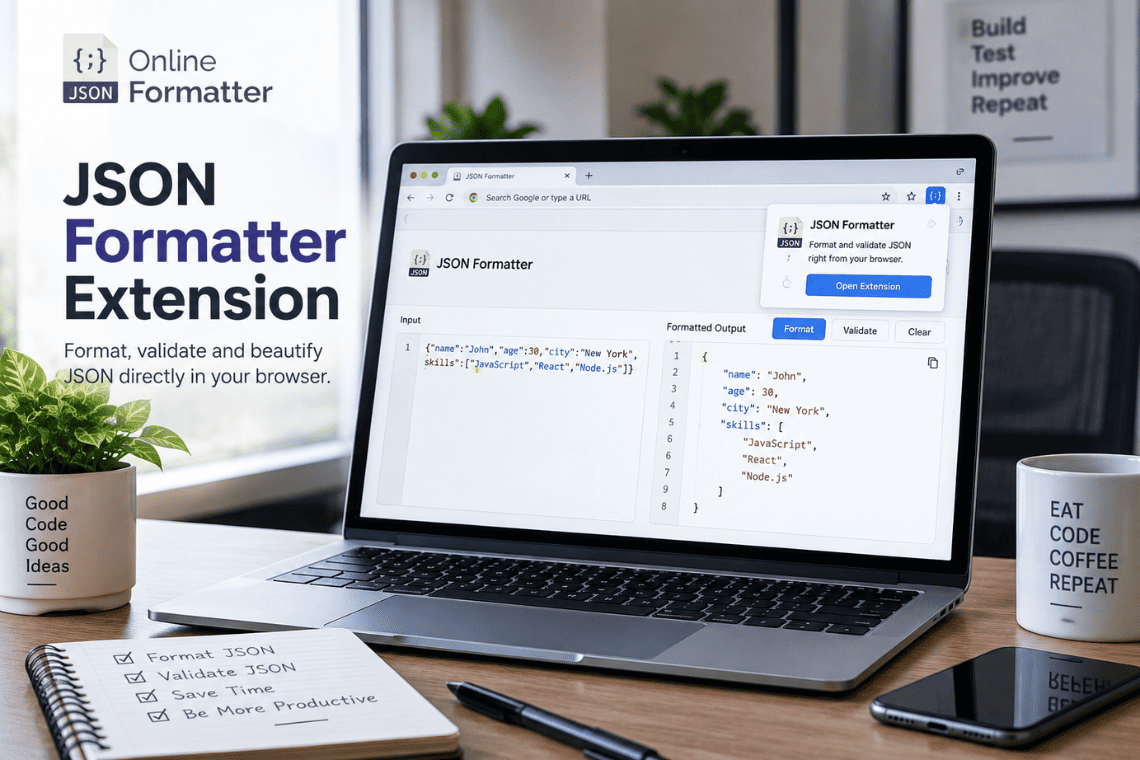
You open an API endpoint in a new tab to check a response, and the browser shows you a solid wall of text. No indentatio…
Read more