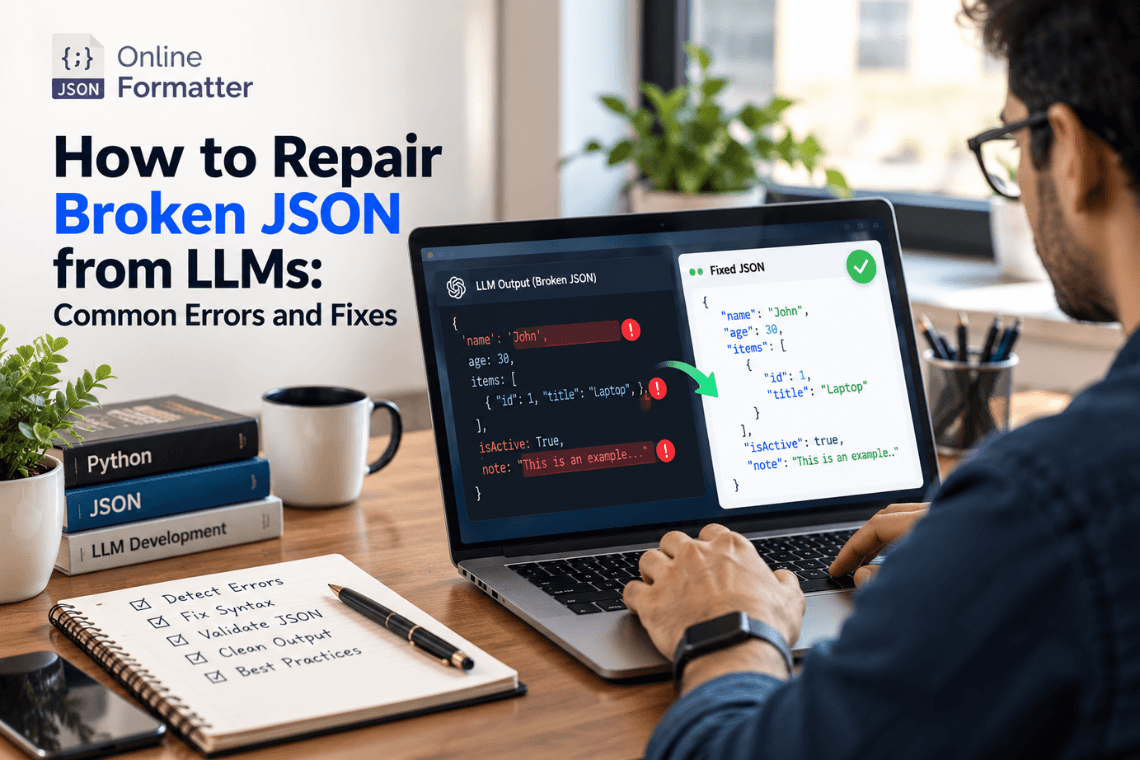
How to Repair Broken JSON from LLMs: Common Errors and Fixes
Any Large Language Model (LLM) writes text content one token at a time, and then writes the next token. text one token a…
Read moreTable of Contents
converter no signup, no data stored, works right in your browser.
If you've got a JSON file sitting in front of you and a database waiting to be filled, you already know the annoying part isn't the concept, it's the grunt work. Writing INSERT INTO statements by hand for even fifty records is the kind of task that eats an afternoon for no good reason. That's the exact gap this tool fills: you give it your JSON, it gives you back working SQL.
I built this converter after running into the same problem repeatedly on smaller projects pulling JSON from an API response or a config export and needing it inside a MySQL or PostgreSQL table, fast, without spinning up a script every single time. So this isn't a generic "format converter" bolted together; it's shaped around the actual, repetitive parts of that workflow.
Say you've got this JSON array:
[ { "id": 101, "product": "Wireless Mouse", "price": 799, "in_stock": true }, { "id": 102, "product": "USB-C Cable", "price": 299, "in_stock": false } ]Run it through the tool, and you get:
INSERT INTO your_table (id, product, price, in_stock) VALUES (101, 'Wireless Mouse', 799, TRUE), (102, 'USB-C Cable', 299, FALSE);
Notice the details that matter here; the tool doesn't just wrap everything in quotes and call it a day. Numbers stay unquoted, booleans map to TRUE/FALSE, and strings get properly escaped so a stray apostrophe in a product name doesn't break your query. That's the difference between a conversion tool that "technically works" and one that produces SQL you can actually run without cleanup.
I'd rather tell you that upfront than have you assume this handles every possible JSON shape perfectly, because it doesn't do anything.
You're seeding a database for development or testing. Most developers don't want to hand-write test data as SQL. It's far easier to write or generate sample records as JSON, then convert that into INSERT statements for a quick local database setup.
You're migrating from a NoSQL or document store to a relational database. Coming from MongoDB or Firebase into MySQL/PostgreSQL? Your data is already sitting as JSON documents. This tool handles the tedious first pass of getting that data into insertable SQL form.
You pulled data from an API and needed it in your database. APIs return JSON almost universally. If you need that response data persisted in a relational table for caching, reporting, or backup, converting it to SQL is often quicker than writing a full ingestion script for a one-time job.
You're a student or new developer learning how relational and document data structures relate. Seeing the same data side-by-side as JSON and as SQL is genuinely one of the better ways to understand how flat, tabular thinking differs from JSON's nested style.
This is the part most conversion tools gloss over, so let's actually talk about it.
JSON doesn't care if two objects in the same array have different keys, different nesting, or missing fields. SQL tables absolutely do care that every row needs to fit the same column structure. So when you convert JSON to SQL, you're not just reformatting syntax, you're forcing flexible data into a fixed shape.
This tool handles the common case well: a JSON array where every object has the same keys, in the same order, with consistent (or reasonably consistent) data types. That covers the vast majority of real-world use cases API exports, config data, seed data. Where it gets genuinely tricky is inconsistent or deeply nested structures, and that's where a bit of manual JSON cleanup before converting will save you more time than any tool feature could.
No configuration screens, no picking a "mode," no account to create first.
Depends on the job. For a genuine one-off a few hundred records, a quick database seed, a one-time API dump you need in SQL this beats writing and testing a parsing script every time. For a recurring pipeline that runs daily against changing data, you'll eventually want your own script or ETL tool anyway, and that's fine this tool isn't trying to replace that. It's built for the "I need this done right now, once" moment, which is most of what actually comes up day to day.
Your JSON is processed only to generate the SQL you asked for; it isn't kept around after your session, and there's no login required, so there's no account tied to what you paste in. If what you're converting includes real customer data, financial records, or anything else sensitive, that's worth thinking about regardless of which online tool you're using, not just this one. When in doubt, strip or mask sensitive fields before pasting anything into a browser tool.
No it only works on the JSON text you give it. It has no access to any database, live or otherwise. You take the SQL it generates and run it yourself, wherever you want.
The tool does its best to reconcile differences, but the cleanest results come from consistent JSON, same keys, same order, across every object. If your data is inconsistent, it's worth normalizing it first.
Right now it's focused on generating INSERT statements from your data. If you need the table structure defined first, you'll want to write that CREATE TABLE statement based on your intended schema, then use this tool for the data itself.
Standard INSERT syntax is largely shared across MySQL, PostgreSQL, and SQL Server. The output should work across all three with minimal to no adjustment; the main things to double-check are quoting style for identifiers and date/time formatting, which can vary slightly by database engine.
Deeply nested data doesn't flatten perfectly into a single table row; that's a schema design decision, not something a converter can guess correctly on its own. For nested data, consider restructuring it into separate related tables before converting.
It comfortably handles the sizes most people work with day to day. If you're converting an enormous dataset of tens of thousands of records a local script will likely run faster than a browser-based tool.
No. It's processed to generate your output and isn't retained afterward.
Yes, no cost, no account needed.
Any Large Language Model (LLM) writes text content one token at a time, and then writes the next token. text one token a…
Read more
You’ve got a JSON response from an API. It’s got nested objects, arrays, nullable fields the works. Before t…
Read more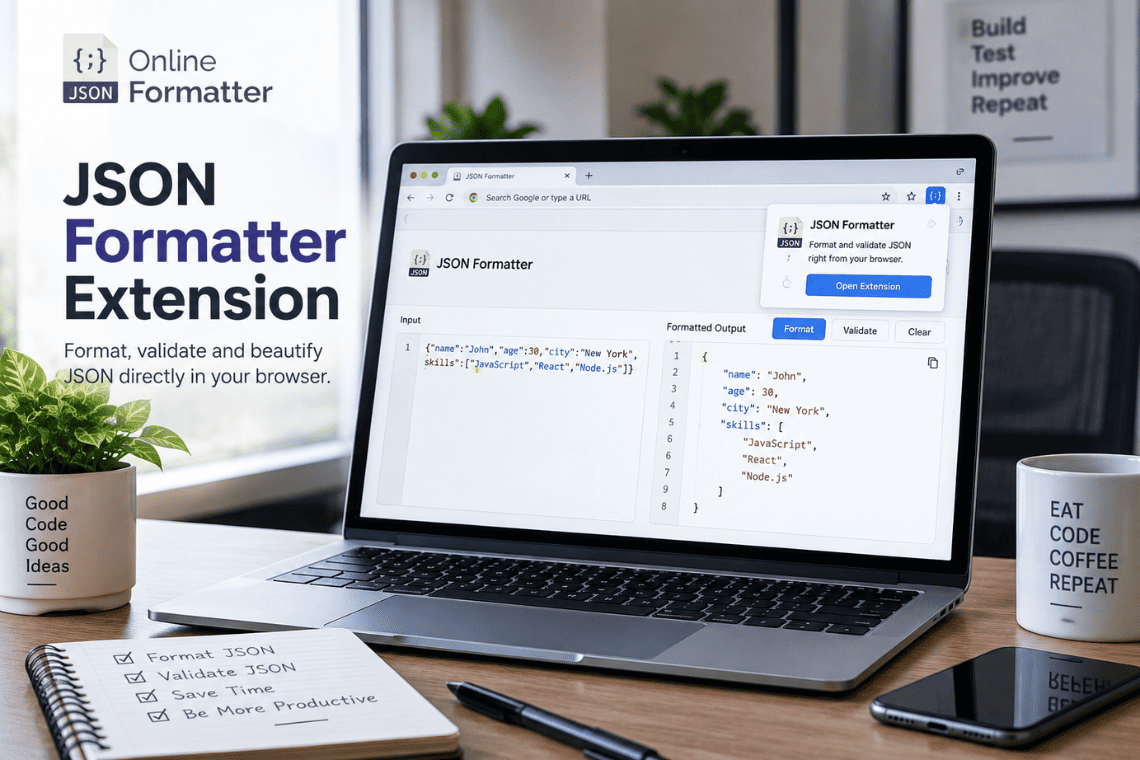
You open an API endpoint in a new tab to check a response, and the browser shows you a solid wall of text. No indentatio…
Read more