
How to Repair Broken JSON from LLMs: Common Errors and Fixes
Any Large Language Model (LLM) writes text content one token at a time, and then writes the next token. text one token a…
Read moreTurn Your Spreadsheet Into Clean, Structured JSON
Drag & Drop your .xlsx / .xls file here
or click to browse
Table of Contents
Anyone who has tried to feed a spreadsheet into an API or a script knows the problem: Excel is great for humans, but the moment a developer or a system needs that data, rows and columns stop being useful. That's the gap this tool closes. Our Excel to JSON converter takes your .xlsx or .xls file and turns it into clean, structured JSON ready to plug into an API, a database, or a piece of code.
It's built for developers pulling data from spreadsheets into an app, QA teams prepping test data, analysts feeding dashboards, or anyone who's been asked to "just send it as JSON." Upload your file, and within seconds you get a downloadable, ready-to-use JSON output.
At its core, the tool reads your Excel spreadsheet row by row and maps each row to a JSON object, with column headers becoming the keys. If you've exported data from a CRM, a finance sheet, an inventory tracker, or any tool that spits out Excel files, this is usually the point where you'd want it in JSON instead: to send it to an API, import it into a database, or use it in a script.
Input it accepts:Say you've got this data in an Excel sheet:
| Order ID | Customer | Amount (₹) | Status |
|---|---|---|---|
| 101 | Riya Sharma | ₹2,499.00 | Delivered |
| 102 | Karan Mehta | ₹899.00 | Pending |
The converter turns this into:
[ { "orderId": 101, "customer": "Riya Sharma", "amount": 2499, "status": "Delivered" }, { "orderId": 102, "customer": "Karan Mehta", "amount": 899, "status": "Pending" } ]No manual retyping, no formatting by hand, it's ready to drop straight into your code or API call.
Excel is built for people reading and editing data by hand. JSON is built for machines. It's the format APIs expect, the format most modern databases and apps speak, and the format config files and web services rely on. Converting Excel to JSON usually comes down to one of these needs:
They're not competing formats; they serve different audiences. Excel is built for humans reviewing, editing, and analyzing data visually. JSON is built for systems exchanging data with each other. The moment your spreadsheet needs to be consumed by code, an API, a script, a database converting it to JSON usually makes more sense than asking a program to parse rows and columns.
That said, JSON isn't always the right destination. If a human still needs to review, filter, or manually edit the data afterward, keeping it in Excel or converting back later with a JSON to Excel converter is usually the better call.
This is usually the first question people ask, so it's worth being upfront about it. If your workbook has a single sheet, conversion is straightforward: each row becomes one JSON object, and all objects are collected into an array.
When there are multiple sheets, the tool handles it one of two ways: each sheet is converted into its own named JSON array (keyed by sheet name), or if you prefer sheets can be merged into a single array where the data structure allows it. Merged cells, empty rows, and inconsistent column headers can affect how cleanly a sheet converts, so it's worth checking your data for these before uploading if precision matters.
To be transparent: spreadsheets with heavy formatting, merged cells, or formulas that reference other cells may need a bit of cleanup first, a limitation of converting visual, human-formatted data into a strict machine format, not something unique to this tool.
Your Excel file is processed only to generate the JSON output you've requested. Files aren't kept on our servers after the conversion is done. If your spreadsheet contains sensitive or regulated information, it's still good practice to check your organization's data policy before uploading anything to a third-party tool that's true of any online converter, not just this one.
Both .xlsx (modern Excel) and .xls (legacy Excel) files are supported as input.
Yes. Each sheet can be converted into its own JSON array, or merged into a single array, depending on your data structure.
Yes. Numbers are converted as numbers, text as strings, and dates are converted in a consistent, readable format.
The tool handles reasonably large Excel files without issue. For very large workbooks (hundreds of thousands of rows), performance may vary depending on your browser and device.
Merged cells and irregular formatting can affect how cleanly a row maps to a JSON object. Cleaning up the sheet beforehand generally produces more predictable output.
Yes. You can choose to convert a specific sheet if your workbook contains multiple.
No, your file is used only for the conversion and isn't permanently stored.
Yes, the tool works on mobile browsers, though for very large files, a desktop browser will handle it more smoothly.
If you need to go the other direction, our JSON to Excel converter handles that conversion.
Yes, it's completely free with no signup required.
Yes, the header row in your spreadsheet becomes the field names (keys) in the resulting JSON automatically.
Any Large Language Model (LLM) writes text content one token at a time, and then writes the next token. text one token a…
Read more
You’ve got a JSON response from an API. It’s got nested objects, arrays, nullable fields the works. Before t…
Read more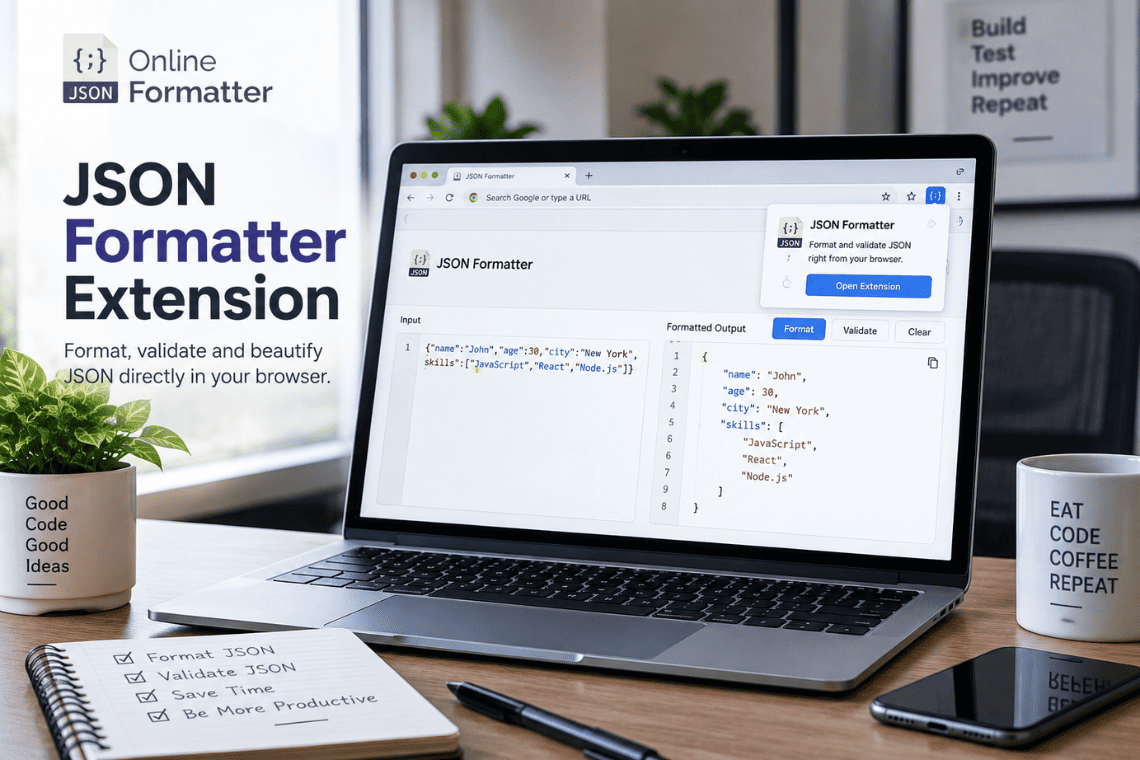
You open an API endpoint in a new tab to check a response, and the browser shows you a solid wall of text. No indentatio…
Read more