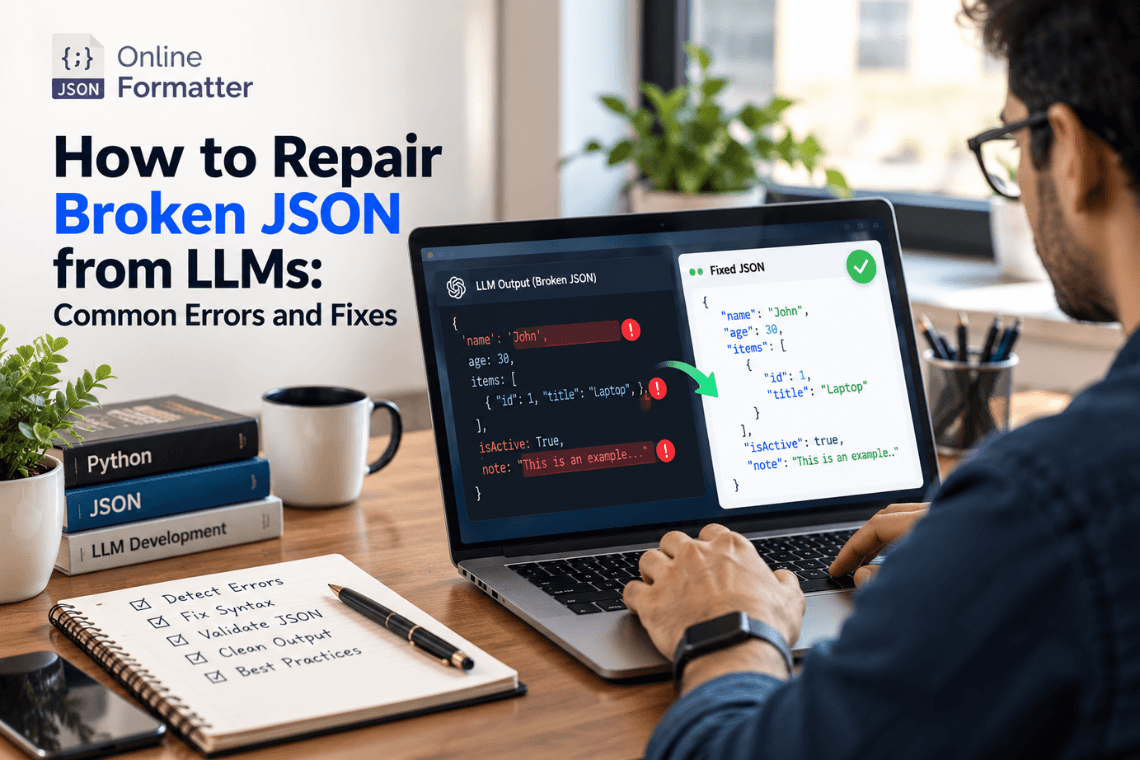
How to Repair Broken JSON from LLMs: Common Errors and Fixes
Any Large Language Model (LLM) writes text content one token at a time, and then writes the next token. text one token a…
Read moreGenerate JSON Schema from your JSON data instantly and accurately.
Table of Contents
JSON Schema is a powerful tool for validating the structure of JSON data. It provides a clear, human-readable way to describe your data format and enforce validation rules. With JSON Schema, you can define what properties are required, what types they should be, and even set constraints like minimum and maximum values.
Using a JSON to JSON Schema converter makes this process automatic. Instead of manually writing schema definitions, you can generate them from existing JSON data, saving time and reducing errors. This is especially useful for API development, data validation, and documentation.
Generating JSON Schema from JSON data is simple with an online converter. Just paste your JSON data into the input field and click "Generate Schema." The tool will analyze your data structure and create a corresponding JSON Schema that describes all properties, types, and nested objects.
The generated schema follows the JSON Schema Draft-07 specification, ensuring compatibility with most validation libraries and tools. You can then use this schema to validate future JSON data, ensuring consistency and catching errors early in your development process.
Converting JSON to JSON Schema offers numerous benefits for developers and data professionals. First, it saves time by automating schema creation. Second, it ensures accuracy by analyzing actual data structure rather than relying on manual documentation. Third, it helps maintain consistency across your API and data models.
JSON Schema is also invaluable for API documentation, code generation, and automated testing. By having a formal schema, you can automatically validate incoming data, generate documentation, and even create type definitions for TypeScript or other strongly-typed languages.
Most reputable JSON to JSON Schema converters process your data entirely in your browser, meaning your JSON data never leaves your computer. This ensures complete privacy and security for sensitive data. Always use HTTPS-enabled tools and check the privacy policy before uploading confidential information.
For maximum security when working with highly sensitive data, consider using offline tools or browser-based converters that don't require server-side processing.
JSON Schema is widely used in various scenarios. API developers use it to validate request and response payloads, ensuring clients send properly formatted data. Configuration file validation is another common use case, preventing runtime errors from malformed config files.
Data scientists use JSON Schema to validate data pipelines, while front-end developers use it for form validation and type checking. It's also essential for microservices architecture, where different services need to agree on data formats.
JSON Schema is a vocabulary that allows you to annotate and validate JSON documents. It's used for data validation, documentation, and ensuring data consistency across applications and APIs.
Yes, JSON to JSON Schema converters can handle deeply nested objects and arrays. The generator will analyze the entire structure and create a comprehensive schema that includes all nested properties and their types.
The generated schemas follow the JSON Schema Draft-07 specification, making them compatible with most JSON Schema validators and libraries across different programming languages.
Absolutely! JSON Schema is excellent for API documentation. It provides a clear, machine-readable description of your data structures that can be used to automatically generate documentation, validate requests, and create SDK code.
No, this JSON to JSON Schema converter is completely free and doesn't require any registration or login. Simply paste your JSON and generate the schema instantly.
Your data privacy is important. The conversion is performed securely, and your JSON data is not stored or shared. All processing happens temporarily and your data is automatically deleted after the session.
Yes, after generating the schema, you can download it and manually add additional validation rules like required fields, pattern matching, minimum/maximum values, and custom descriptions to meet your specific requirements.
Any Large Language Model (LLM) writes text content one token at a time, and then writes the next token. text one token a…
Read more
You’ve got a JSON response from an API. It’s got nested objects, arrays, nullable fields the works. Before t…
Read more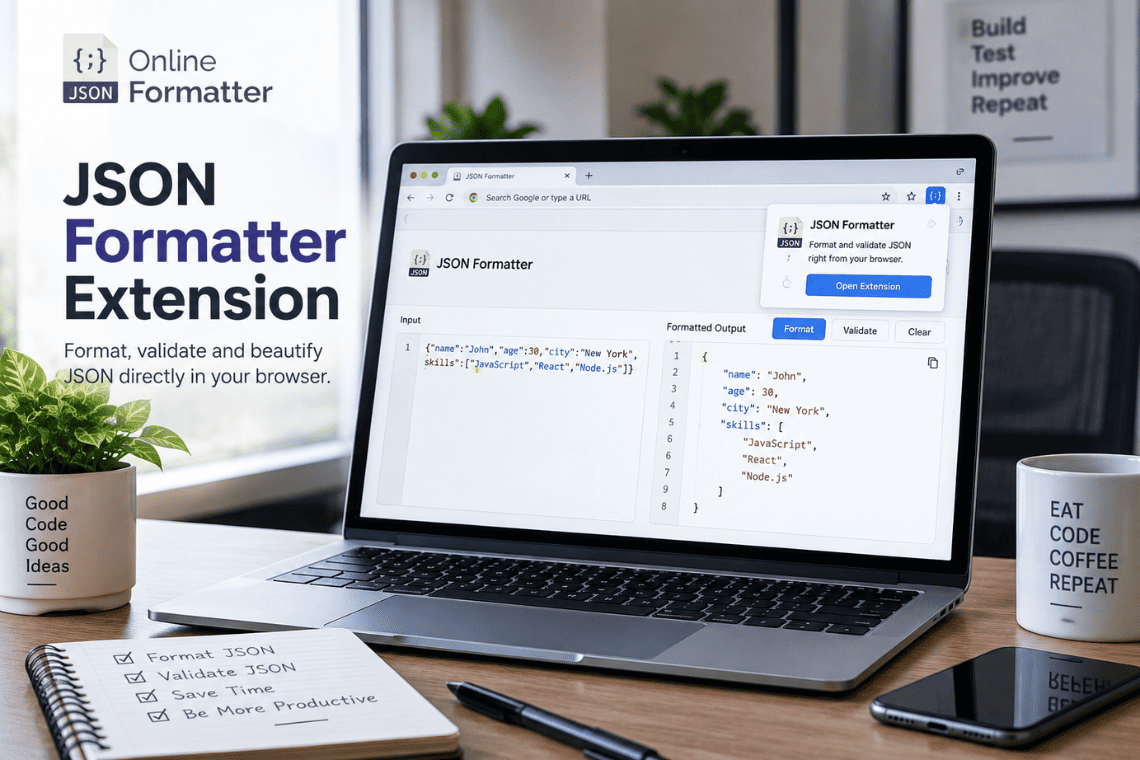
You open an API endpoint in a new tab to check a response, and the browser shows you a solid wall of text. No indentatio…
Read more