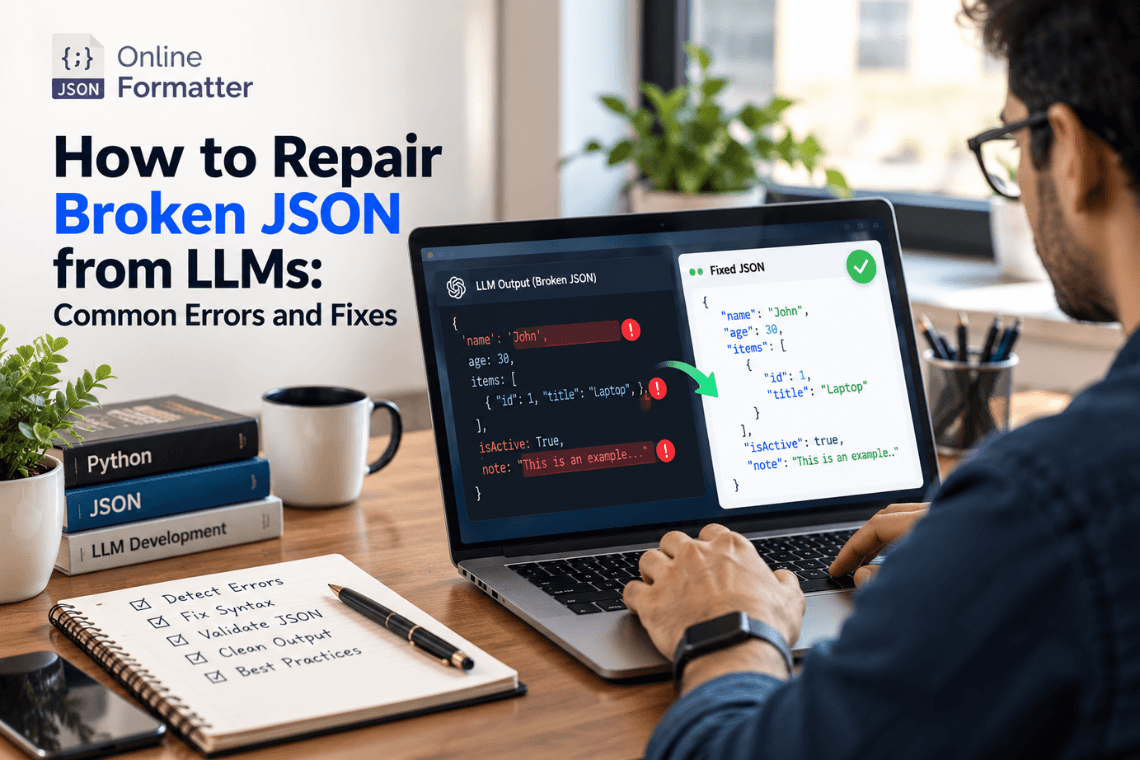
How to Repair Broken JSON from LLMs: Common Errors and Fixes
Any Large Language Model (LLM) writes text content one token at a time, and then writes the next token. text one token a…
Read moreValidate JSON data against a JSON Schema (Draft-07 subset) and see every violation
Click Validate to check the JSON data against the schema.
Table of Contents
Paste or load your JSON document into JSON Data and your JSON Schema into JSON Schema, then click Validate. If the data doesn't already have a schema, generate one first with our JSON to JSON Schema tool, then edit it to add the constraints you actually want enforced.
type (including type arrays for nullable fields)properties, required, additionalProperties, patternProperties, minProperties, maxPropertiesitems (single schema or tuple), additionalItems, contains, minItems, maxItems, uniqueItemsminLength, maxLength, pattern, basic format checks (email, date, date-time, uri, uuid, ipv4)minimum, maximum, exclusiveMinimum, exclusiveMaximum, multipleOfenum, constallOf, anyOf, oneOf, notThis validator does not resolve $ref/$defs references, conditional if/then/else schemas, or remote schema fetching. It's built for self-contained schemas covering the keywords listed above — for full Draft 2020-12 spec compliance with references, use a dedicated library like ajv in your own codebase.
Our JSON to JSON Schema tools go one direction: JSON data in, a schema out, describing the shape of that one example. This validator goes the other way: you supply both a schema (however it was written) and a JSON document, and it tells you exactly where the document violates that schema — the check you'd actually run against new incoming data.
No. Both the JSON data and the schema are validated entirely in your browser using JavaScript — neither is sent to a server.
Any Large Language Model (LLM) writes text content one token at a time, and then writes the next token. text one token a…
Read more
You’ve got a JSON response from an API. It’s got nested objects, arrays, nullable fields the works. Before t…
Read more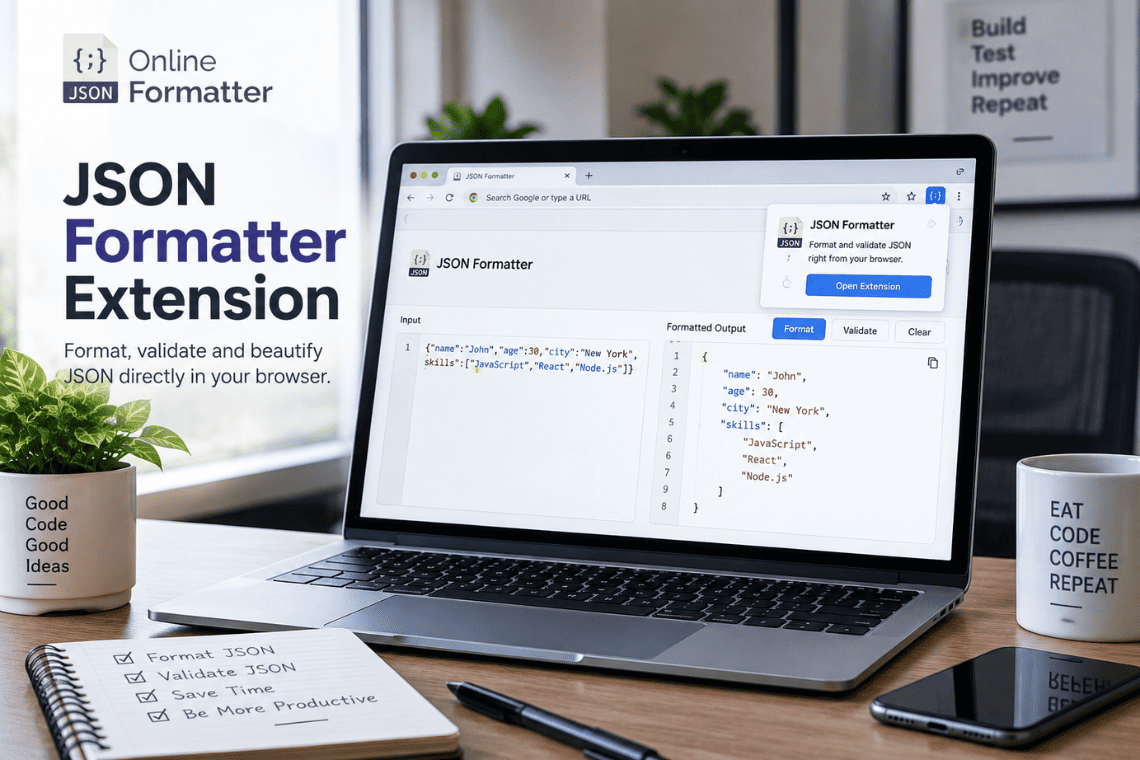
You open an API endpoint in a new tab to check a response, and the browser shows you a solid wall of text. No indentatio…
Read more