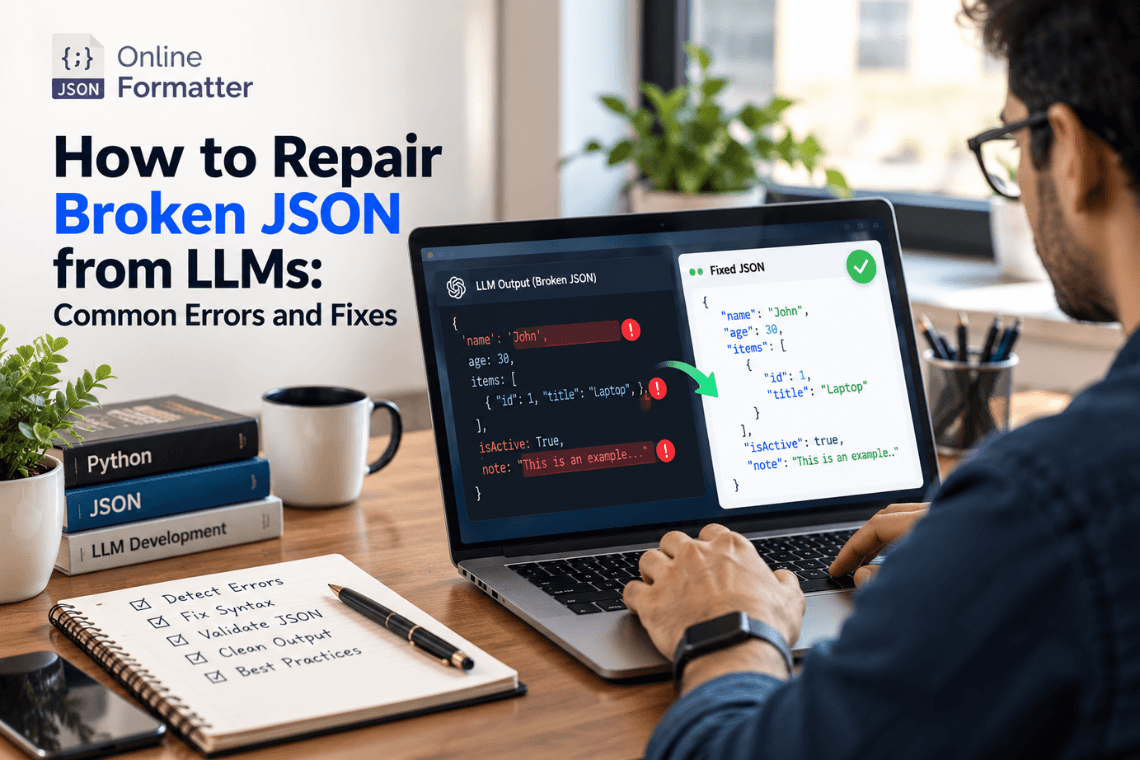
How to Repair Broken JSON from LLMs: Common Errors and Fixes
Any Large Language Model (LLM) writes text content one token at a time, and then writes the next token. text one token a…
Read moreFind and Fix JSON Syntax Errors Instantly
Table of Contents
If you've ever spent twenty minutes hunting for a missing comma in a 400-line JSON file, you already know why a good linter matters. A single misplaced bracket or an extra trailing comma can silently break an API call, a config file, or a build pipeline and JSON's error messages, when you get one at all, aren't always helpful about where the actual problem is.
Our JSON Linter checks your JSON for syntax errors, points out exactly where the problem is, and helps you fix it before it causes a bigger headache downstream. It runs right in your browser, works with pasted text or uploaded files, and doesn't ask you to sign up or install anything.
This tool is built for anyone who works with JSON regularly, developers debugging an API response, backend engineers reviewing a config file, QA testers validating payloads, or students learning how JSON structure works.
A linter is different from a simple "formatter." Formatting just makes JSON look like nice indentation, spacing, line breaks. Linting goes a step further: it parses your JSON and checks whether it's actually valid according to the JSON specification, then reports exactly what's wrong and where.
Here's a small example of what the tool catches:
Invalid JSON:
{ "name": "Rahul", "age": 28, "skills": ["JavaScript", "Python",] }The trailing comma after "Python" is invalid in standard JSON; some languages allow it, JSON doesn't. Our linter flags this immediately and tells you the line number and the exact character where the issue is, instead of leaving you to scan the whole file manually.
It's tempting to think "I'll just eyeball it," but JSON errors have a habit of hiding in plain sight especially in large, nested structures. Here's where linting earns its keep:
Before deploying configs A broken package.json, tsconfig.json, or API config file can silently fail a build or cause an app to crash on startup. Linting before you commit saves that debugging session later.
When debugging API responses If an API call is returning unexpected errors, sometimes the payload itself is malformed; a linter tells you that in seconds instead of you guessing.
Before bulk data imports Many databases and search engines reject an entire batch if even one JSON object in it is invalid. Catching that early avoids failed imports and wasted processing time.
While learning JSON If you're new to JSON, a linter is genuinely one of the fastest ways to understand the rules when you see your mistake and the reason it's wrong, in real time, instead of memorizing the spec upfront.
People often use these terms interchangeably, but there's a subtle difference worth knowing:
| Tool | What it does |
|---|---|
| Formatter | Rearranges spacing/indentation for readability doesn't check correctness |
| Validator | Checks whether JSON is syntactically valid pass/fail |
| Linter | Validates AND tells you exactly where and why it failed, often with style suggestions too |
This tool does all three it validates, pinpoints the exact error location, and formats the corrected JSON for you once it's clean.
Drop your JSON text into the input box, or upload a .json file directly.
The tool scans your JSON and immediately flags any syntax errors, showing you the line and position of each issue.
Correct the flagged errors (or let the tool suggest a fix where possible), then re-run the check until you get a clean result.
Since JSON often carries real application data API keys, user records, config values, how a tool handles your data matters.
A JSON Linter is a tool that checks JSON code for syntax errors like missing commas, unmatched brackets, or invalid quotes and tells you exactly where the problem is so you can fix it.
Validating just tells you if the JSON is valid or not. Linting goes further by pinpointing the exact line and reason for the error, and often suggests how to fix it.
JSON has strict rules: double quotes only, no trailing commas, no comments. Errors often come from formatting habits carried over from JavaScript or other languages that are more lenient.
Yes, the tool is built to handle sizable and deeply nested JSON files without slowing down.
It highlights and explains errors clearly, and once errors are corrected, it can format the valid JSON neatly. Certain simple issues, like trailing commas, may be auto-correctable depending on the option you choose.
No. Your data is processed only for the lint check and isn't permanently stored on our servers.
Yes, the tool works fully on mobile browsers, not just desktop.
Standard JSON doesn't allow comments or trailing commas. JSON5 and JSONC are extended formats that do this linter checks against strict, standard JSON syntax.
No, everything runs directly in your browser, no downloads or extensions required.
Yes, completely free, with no signup or usage limits for typical file sizes.
Any Large Language Model (LLM) writes text content one token at a time, and then writes the next token. text one token a…
Read more
You’ve got a JSON response from an API. It’s got nested objects, arrays, nullable fields the works. Before t…
Read more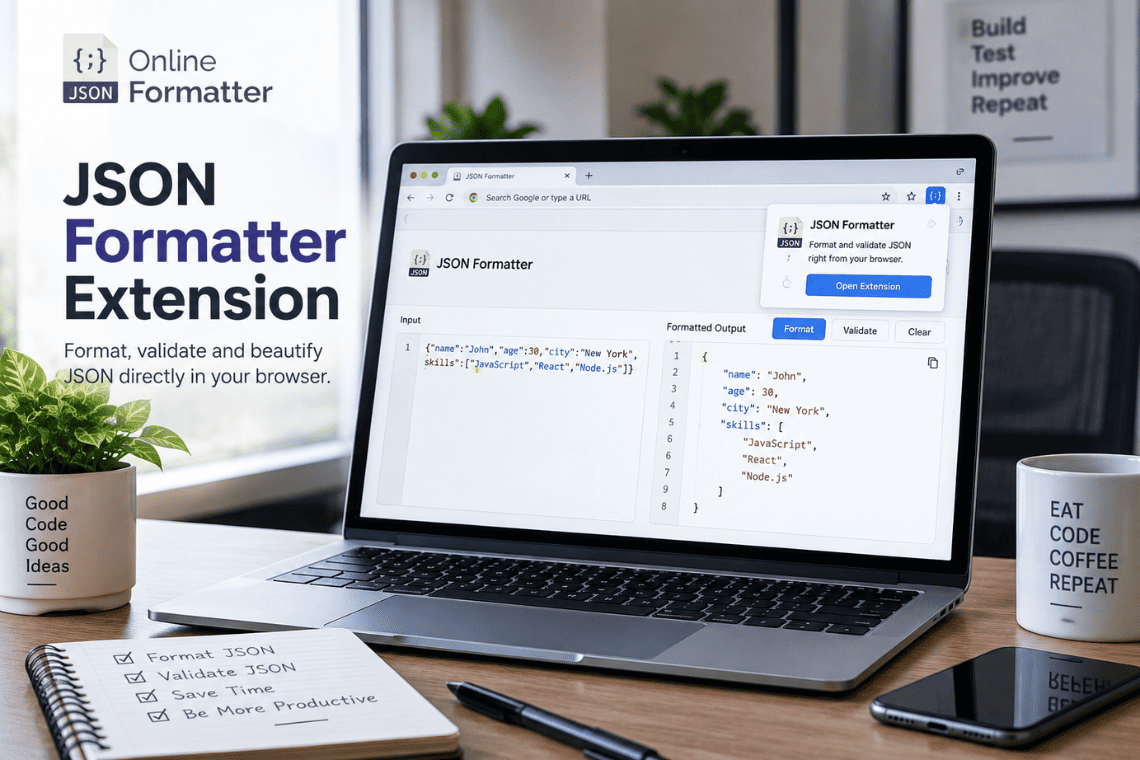
You open an API endpoint in a new tab to check a response, and the browser shows you a solid wall of text. No indentatio…
Read more