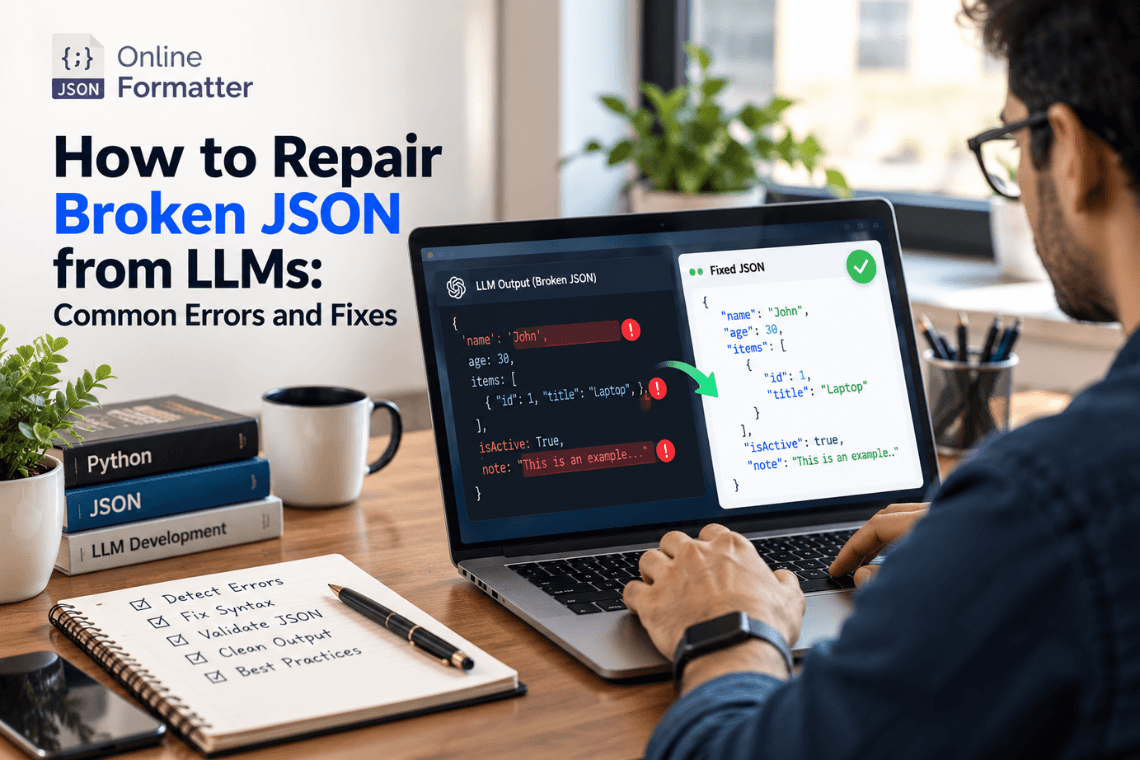
How to Repair Broken JSON from LLMs: Common Errors and Fixes
Any Large Language Model (LLM) writes text content one token at a time, and then writes the next token. text one token a…
Read moreMerge two JSON documents into one, with control over conflicts and array handling
Table of Contents
If you've ever had to manually copy-paste data from multiple JSON files into one, you know how error-prone and tedious that gets especially once nested objects or arrays are involved. Our JSON Merge Tool solves this by letting you combine two or more JSON files or objects into a single, clean JSON output in seconds.
This tool is built for developers, backend engineers, QA testers, and data analysts who regularly work with fragmented JSON data API responses split across calls, config files that need combining, or datasets stored in separate files that need to be unified before processing. Everything runs in your browser, so there's no software to install and no account needed.
Whether you're merging two simple objects or combining several large JSON arrays with overlapping keys, this tool handles the logic so you don't have to write a script every time.
The JSON Merge Tool takes two or more JSON inputs objects, arrays, or files and combines them into a single JSON structure, following standard merge logic:
keys from all inputs are combined into one object. If the same key exists in multiple inputs, the value from the later input takes precedence (standard "last write wins" behavior).
arrays are combined either by concatenation (appending items from each array one after another) or by index-based merging, depending on what your data structure needs.
nested objects within your JSON are merged recursively, not just overwritten at the top level so a nested object in File A and a nested object in File B with different keys will combine correctly instead of one wiping out the other.
Example:Input 1:
{ "user": { "name": "Riya", "age": 28 }, "role": "Editor" }Input 2:
{ "user": { "city": "Pune" }, "active": true }Merged Output:
{ "user": { "name": "Riya", "age": 28, "city": "Pune" }, "role": "Editor", "active": true }Notice how the nested user object combined fields from both inputs instead of one replacing the other entirely; that's the difference between a shallow merge and a proper recursive merge.
You'd typically reach for this tool when you're pulling data from multiple API endpoints, combining configuration files, merging test fixtures, or consolidating exported data before importing it into a database or another system.
JSON data rarely stays in one neat file for long; it gets split across API calls, config environments, or team contributions. Here's why merging matters:
When you're pulling data from multiple API endpoints (e.g., user profile from one endpoint, order history from another), merging lets you combine them into a single object for easier processing on the frontend or backend.
Many applications split settings across a base config and environment-specific overrides (dev, staging, production). Merging lets you generate the final effective configuration.
When data engineers pull exports from different sources or time periods, merging JSON files into one dataset makes it usable for analysis, reporting, or import into a database.
Manually combining JSON by copy-pasting is a common source of syntax errors, missing commas, duplicate keys, and broken brackets. A merge tool eliminates that risk.
QA engineers often need to combine mock data fixtures or test payloads. Merging multiple JSON test files quickly speeds up test-case preparation.
| Aspect | Shallow Merge | Deep (Recursive) Merge |
|---|---|---|
| Top-level keys | Combined | Combined |
| Nested objects | Overwritten entirely by the later value | Merged field-by-field, recursively |
| Use case | Simple flat JSON | Config files, nested API data |
| Risk | Can silently lose nested data | Preserves data unless keys directly conflict |
This tool uses deep merge logic by default, since most real-world JSON API responses, configs, and structured records contain nested objects where a shallow overwrite would quietly delete data you wanted to keep. Understanding this distinction matters if you're merging config files where losing a nested override could break your application.
Upload two or more .json files, or paste JSON objects/arrays directly into the input fields.
The tool combines your inputs using deep merge logic, resolving key conflicts and merging nested structures automatically.
Preview the merged JSON output, then copy it to your clipboard or download it as a .json file.
JSON files often carry sensitive information API keys, user data, internal configs. Here's how this tool handles that:
If your JSON contains regulated or highly sensitive information, please follow your organization's internal data-handling policy before uploading it to any online tool, including this one.
Merging JSON means combining two or more JSON objects, arrays, or files into a single unified JSON structure, resolving overlapping keys and combining nested data along the way.
By default, the value from the later input takes precedence; this is standard "last write wins" behavior, consistent with how most merge utilities and libraries work.
Yes. Nested objects are merged recursively by default, so fields inside a nested object from one file won't wipe out fields from the other file's nested object at the same key.
Yes. Arrays can be combined either by concatenation (joining all items into one list) or index-based merging, depending on how your data is structured.
Yes, the tool supports merging multiple files or objects in a single operation, not just two.
With deep merge logic, data loss only happens when the exact same key holds a conflicting non-object value in multiple inputs; in that case, the later value overwrites the earlier one, which is expected merge behavior, not a bug.
Yes. Files are processed only to perform the merge and are not stored permanently on our servers.
The tool supports reasonably large JSON files for browser-based processing. For very large datasets (multi-gigabyte), a script-based backend approach may be more practical.
Yes, the tool is fully responsive and works on mobile browsers as well as desktop.
The tool will flag invalid JSON before attempting the merge, so you can fix the issue first. Valid JSON is required in all inputs.
Yes, completely free with no usage limits for typical file sizes.
Any Large Language Model (LLM) writes text content one token at a time, and then writes the next token. text one token a…
Read more
You’ve got a JSON response from an API. It’s got nested objects, arrays, nullable fields the works. Before t…
Read more
You open an API endpoint in a new tab to check a response, and the browser shows you a solid wall of text. No indentatio…
Read more