
JSON to Table: Complete Step-by-Step Guide to Convert JSON Data into Tables
JSON to table conversion is one of the most common challenges developers face when working with APIs and large datasets.…
Read moreTable of Contents
The popular data format used for server-web application information exchange is JSON, JavaScript Object Notation. Despite its simplicity, JSON may become challenging to comprehend and operate with when the data is compressed or minified. Here, a JSON Formatter becomes important. Developers use Online JSON Formatters to make JSON data more readable and manageable. These tools enhance JSON by adding spaces, line breaks, and indentation, thereby organizing the information more effectively.
The user opens the tool with their JSON data entered. Either uploading a JSON file or putting the data into a text box will allow you to do this.
Certain JSON Formatters, such as Vovsoft and CSV to JSON , let users choose their desired degree of indentation. This may refer to spaces, tabs, or a set amount of spaces per level of indentation.
The user starts the beautifying procedure following the formatting choices. After that, the tool formats the JSON data based on the given parameters.
The beautified JSON is then displayed in the tool. Users can copy data to their clipboard or download it as a file for further use.
Status and similar tools make your JSON look neat by adding proper spaces and indents. This helps a lot when you're working with big or complicated JSON files.
A lot of JSON Formatters let you adjust the indentation to match what you want. You can pick 2 spaces, 4 spaces, or a tab for each indentation level. This option makes sure the JSON format fits your coding style.
Along with beautifying JSON, some utilities include a minification option. This function eliminates all extraneous whitespace, therefore optimizing the JSON for online transfer.
Many JSON Formatters provide a validation tool that searches the JSON data for syntax problems. This guarantees not only understandable but also correct formatted JSON, therefore lowering the possibility of problems during program or API parsing of the JSON.
JSON Formatters are designed to be user-friendly so that even someone with no technical experience may quickly prepare JSON data. Usually, the interface consists of copying the JSON data into a text field then pressing a button to beautify it.
Particularly when working with complicated data structures, beautiful JSON is simpler for reading and understanding. Correct spacing and indentation enable us to precisely identify the relationships and hierarchy in the data.
Because minified JSON is so tiny, debugging it may be somewhat difficult. Conversely, beautiful JSON is more navigable, which facilitates identification and correction of mistakes.
Beautiful JSON guarantees that everyone working on a project with a team is looking at the same, simple, easily readable format. This guarantees less danger of miscommunication or mistakes and enhances communication.
Manually preparing JSON data may take time and be tiresome. Automating this procedure, a JSON Formatter saves time and effort and frees engineers to concentrate on more important chores.
Many JSON Formatters assist to guarantee that the JSON data is not only structured appropriately but also free of syntax problems using the built-in validation capability. This may help to avoid any problems using the data in APIs or apps.
Using a JSON Formatter is simple:
Paste your JSON data straight into the input box of the tool. Certain programs also let you straightly upload a JSON file.
Please select your preferred indentation style (such as 2 spaces, 4 spaces, or tabs) and any other formatting options provided by the tool.
Click the "Beautify" button to initiate the formatting process. The tool will quickly process your data and display the beautified JSON.
Once beautified, you can copy the result to your clipboard or download it as a file for further use.
A JSON Formatter makes raw or minified JSON data easier to read by adding proper indentation and line breaks. This is invaluable when debugging APIs, reviewing configuration files, or sharing data with teammates - it turns a dense single-line blob into a clearly structured, human-readable document.
Yes, this Online JSON Formatter is completely free with no account or sign-up required. All formatting runs directly in your browser, so your data never leaves your machine.
This tool uses a high-performance JSON editor that handles large files efficiently in the browser. Typical API responses and configuration files format instantly. For extremely large payloads (tens of megabytes), performance depends on your device's available memory.
Beautify (pretty-print) adds indentation and line breaks so JSON is easy for humans to read and navigate. Minify does the opposite - it strips all unnecessary whitespace, producing the most compact representation to reduce file size and speed up data transfer over networks.
JSON to table conversion is one of the most common challenges developers face when working with APIs and large datasets.…
Read more
You’ve got a JSON response from an API. It’s got nested objects, arrays, nullable fields the works. Before t…
Read more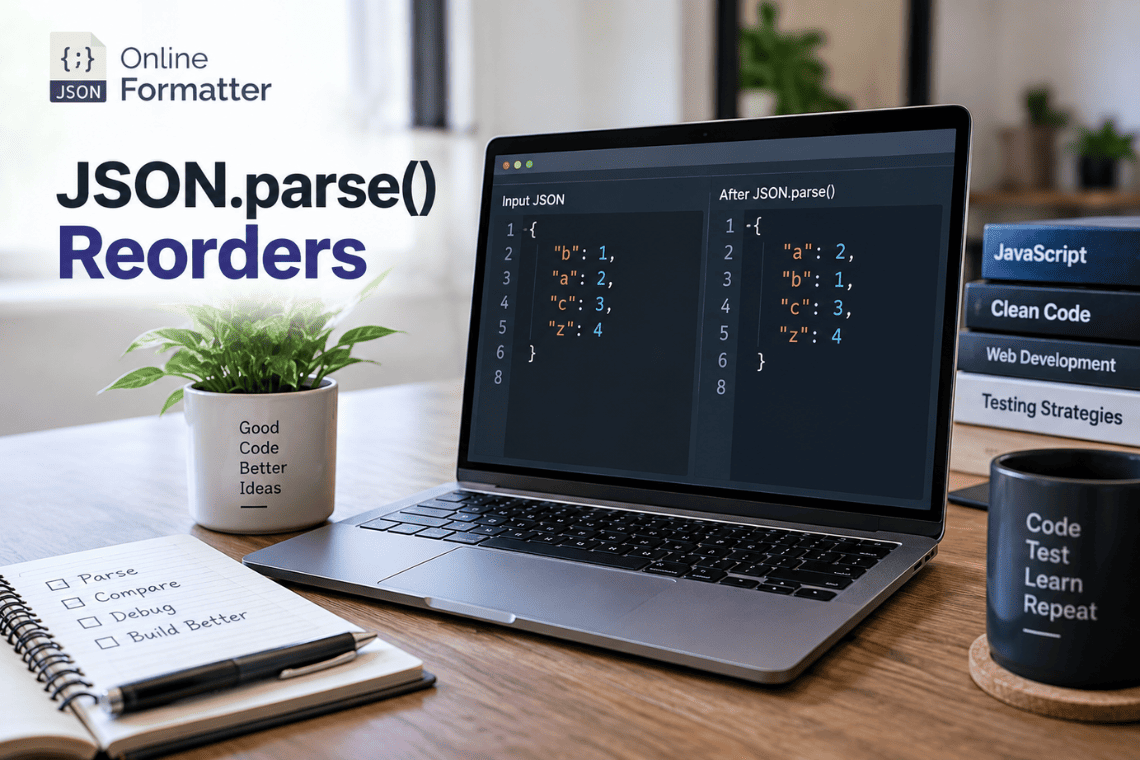
Here’s a bug that looks impossible the first time you see it. An API sends you this: The response clearly had R…
Read more