
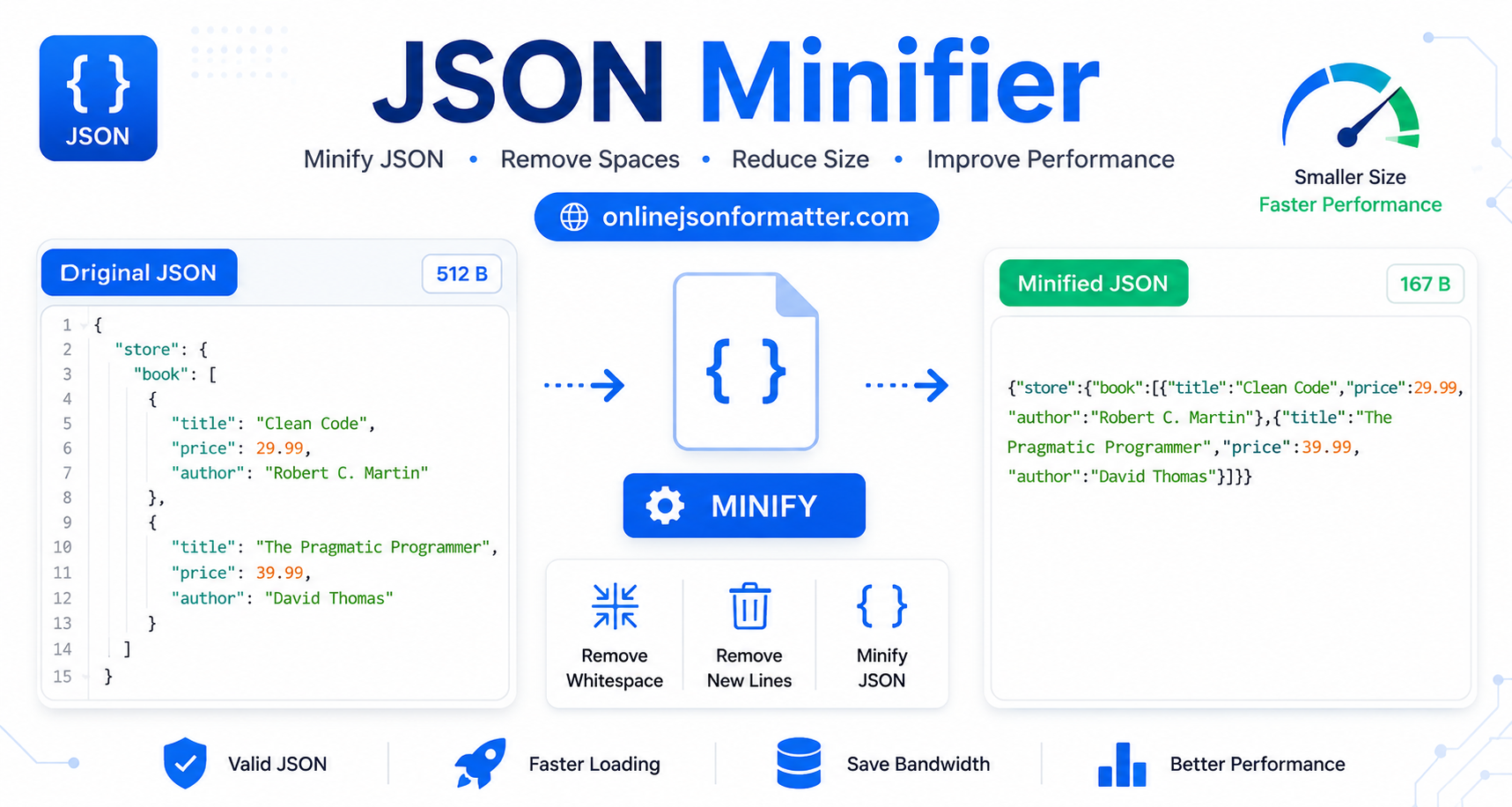

JSON Minifier: Complete Guide to Reducing JSON File Size for Faster APIs
You’re building an API. Everything looks fine in development. Then you push to production and suddenly your response times take a hit, and you trace it back to bloated JSON payloads being sent back and forth on every request.
Sound familiar?
This is exactly the kind of thing a JSON minifier fixes. It’s a small optimization, but in high-traffic applications, it adds up fast.
In this guide, you’ll learn what JSON minification actually means, how to do it online (free tools), how to do it programmatically in JavaScript and Python, and when it genuinely matters for performance.
What Is a JSON Minifier?
A JSON minifier is a tool or function that removes all unnecessary whitespace, line breaks, and indentation from a JSON file. Before minifying large files, you can inspect the structure using our JSON Viewer.
Here’s a quick before and after:
Before (Pretty-Printed JSON)
{
  "user": {
    "id": 101,
    "name": "Sarah",
    "email": "[email protected]",
    "active": true
  }
}
After (Minified JSON)
{"user":{"id":101,"name":"Sarah","email":"[email protected]","active":true}}Same data. Same structure. Just fewer bytes.
That whitespace is great for human readability, but machines don’t need it. Stripping it out is called JSON minification (also referred to as JSON compression or JSON file size reduction).
JSON Pretty Print vs Minify: What’s the Difference?
These two operations are exact opposites.
| Feature | Pretty Print | Minify |
|---|---|---|
| Purpose | Human readability | Machine efficiency |
| Whitespace | Added (indented) | Removed |
| File size | Larger | Smaller |
| Use case | Debugging, docs | APIs, production |
A JSON formatter and minifier tool typically lets you switch between both modes. If you need readable output for debugging, try our JSON Formatter or JSON Beautifier tool.
Why Minify JSON? (Real Benefits)
Here’s where most developers underestimate the impact:
Faster API Responses
Less data transferred over the wire on every request.
Reduced Bandwidth Costs
Especially relevant if you’re paying for egress on cloud infrastructure.
Faster Parsing
Smaller payloads are parsed slightly faster by JSON engines.
Smaller Config and Build Files
JSON config files in build tools, package managers, and CI pipelines benefit from reduced size.
Better Mobile Performance
Mobile users on slower connections feel the difference.
For small APIs with low traffic, the gains are minor. For high-volume APIs sending thousands of requests per second, shaving 30–50% off your JSON payload size is meaningful.
How to Minify JSON Online (Free Tools)
The fastest way to compress a JSON file without writing code is to use a free online tool.
Step 1: Paste Your JSON
Open your tool of choice (listed below) and paste your raw JSON into the input box.
Step 2: Click Minify
Most tools have a single “Minify” or “Compress” button. Click it.
Step 3: Copy or Download the Output
You get back minified JSON, ready to use. Some tools also show you the file size reduction.
Best JSON Minifier Online Tools (Free)
JSONFormatter.org
Clean UI, instant minification, also works as a JSON formatter.
JSONLint.com
Validates and minifies in one step.
Code Beautify JSON Minifier
Supports file upload for larger JSON files.
FreeFormatter.com
Simple, no-fluff tool for quick compression.
These tools are great for one-off tasks. For anything that needs to happen repeatedly or at scale, you’ll want to do it in code.
How to Minify JSON in JavaScript
In JavaScript (Node.js or browser), minifying JSON is one line of code.
Basic Minification
const data = {
  user: {
    id: 101,
    name: "Sarah",
    email: "[email protected]",
    active: true
  }
};

const minified = JSON.stringify(data);

console.log(minified);
// Output: {"user":{"id":101,"name":"Sarah","email":"[email protected]","active":true}}
JSON.stringify() without a spacing argument returns minified JSON by default. That’s all there is to it.
Minifying a JSON String (Not an Object)
If you’re working with a raw JSON string (e.g., from a file or API response), parse it first, then stringify it back:
const rawJson = `{
  "product": {
    "id": "A42",
    "price": 29.99,
    "inStock": true
  }
}`;

const minified = JSON.stringify(JSON.parse(rawJson));

console.log(minified);
// Output: {"product":{"id":"A42","price":29.99,"inStock":true}}
Parse → Stringify. Two steps, one clean result.
Minifying a JSON File in Node.js
const fs = require('fs');

const input = fs.readFileSync('data.json', 'utf8');
const minified = JSON.stringify(JSON.parse(input));

fs.writeFileSync('data.min.json', minified);

console.log('Minified JSON saved to data.min.json');
This reads a JSON file, minifies it, and writes the output to a new file. Useful for build scripts or pre-deployment steps.
How to Minify JSON in Python
Python’s json module handles minification cleanly with the separators parameter.
Basic Minification
import json

data = {
    "user": {
        "id": 101,
        "name": "Sarah",
        "email": "[email protected]",
        "active": True
    }
}

minified = json.dumps(data, separators=(',', ':'))

print(minified)
# Output: {"user":{"id":101,"name":"Sarah","email":"[email protected]","active":true}}
The key here is separators=(',', ':'). By default, Python’s json.dumps() adds a space after each : and ,. Passing these separators removes that extra whitespace.
Minifying a JSON File in Python
import json

with open('data.json', 'r') as f:
    data = json.load(f)

minified = json.dumps(data, separators=(',', ':'))

with open('data.min.json', 'w') as f:
    f.write(minified)

print('Minified JSON saved.')
Read the file, minify it in memory, write the output. Clean and straightforward.
Minifying a JSON String in Python
import json

raw_json = '{ "name": "Sarah", "active": true, "score": 95 }'

minified = json.dumps(json.loads(raw_json), separators=(',', ':'))

print(minified)
# Output: {"name":"Sarah","active":true,"score":95}
Same parse-then-dump pattern as JavaScript, just with Python’s json.loads() and json.dumps().
JSON Minification: A Real-World Example
Let’s say you have a product catalog JSON for an e-commerce API. Here’s a realistic snippet:
Original (Pretty-Printed)
{
  "products": [
    {
      "id": "P001",
      "name": "Wireless Mouse",
      "price": 34.99,
      "category": "Electronics",
      "inStock": true,
      "tags": ["wireless", "mouse", "usb"]
    },
    {
      "id": "P002",
      "name": "Mechanical Keyboard",
      "price": 89.99,
      "category": "Electronics",
      "inStock": false,
      "tags": ["keyboard", "mechanical", "rgb"]
    }
  ]
}
Minified
{"products":[{"id":"P001","name":"Wireless Mouse","price":34.99,"category":"Electronics","inStock":true,"tags":["wireless","mouse","usb"]},{"id":"P002","name":"Mechanical Keyboard","price":89.99,"category":"Electronics","inStock":false,"tags":["keyboard","mechanical","rgb"]}]}The original is 340 bytes. The minified version is 231 bytes. That’s a 32% reduction from just removing whitespace no data loss, no structural change.
Scale that across millions of API calls per day, and you’re looking at real bandwidth savings.
Common Mistakes When Minifying JSON
1. Minifying JSON That’s Already in Use for Debugging
If you’re logging JSON responses for debugging or writing it to a human-readable config file, don’t minify it. Minified JSON is nearly impossible to read at a glance when something breaks.
2. Not Validating Before Minifying
Minifying invalid JSON will either throw an error or silently produce broken output.
Always validate your JSON first, especially if it’s coming from an external source.
try {
  const minified = JSON.stringify(JSON.parse(rawJson));
} catch (e) {
  console.error('Invalid JSON:', e.message);
}
3. Assuming Minification Replaces Compression
Minification and compression (like gzip) are different things.
Minification removes whitespace.
Compression (which most web servers apply automatically) further reduces size using encoding algorithms.
For best results, use both: minify first, then let gzip handle the rest.
4. Losing Comments When Minifying
Standard JSON doesn’t support comments, but some config files use JSON5 or JSONC (JSON with comments).
If you run a standard minifier on those, it’ll break. Use the right tool for the format.
JSON Optimization Techniques Beyond Minification
Minification is the simplest optimization, but it’s not the only one.
1. Remove Redundant Fields
If your API response includes fields the client doesn’t need, cut them.
Less data is better than well-minified data that’s still unnecessary.
2. Use Shorter Key Names
In high-volume APIs, long key names add up.
"userAccountIdentifier" vs "uid" across millions of records that’s significant.
3. Flatten Nested Structures
Deeply nested JSON is both harder to read and slower to traverse.
Flatter structures parse faster.
4. Paginate Large Responses
Instead of sending 10,000 records in one JSON payload, paginate.
Minification doesn’t help when the payload is fundamentally too large.
5. Use Compression at the Transport Layer
Enable gzip or Brotli compression on your server.
Most HTTP clients accept compressed responses automatically, and the decompression overhead is minimal.
When Should You Minify JSON?
| Scenario | Minify? |
| Production API responses | ✅ Yes |
| Config files (human-edited) | ❌ No |
| Build artifacts and bundles | ✅ Yes |
| Logs and debugging output | ❌ No |
| Data files served to the browser | ✅ Yes |
| Internal development files | ❌ No |
Useful Tools for JSON Work
JSON Formatter
Pretty-print minified JSON for debugging.
JSON Validator
Check JSON syntax before processing.
XML to JSON Converter
Convert structured XML data to JSON.
JSON to YAML Converter
Use YAML where it’s a better fit (e.g., config files).
For API development work, a good formatter-validator combo saves time constantly.
Conclusion
JSON minification is one of those optimizations that’s easy to overlook because it doesn’t feel dramatic. But stripping whitespace from your JSON especially in high-traffic APIs is a straightforward way to reduce bandwidth, speed up response times, and keep your payloads lean.
The good news is it requires almost no effort:
- One line in JavaScript:
JSON.stringify(data) - One line in Python:
json.dumps(data, separators=(',', ':')) - Or a free online tool for quick one-off compression
For a complete JSON workflow, combine a JSON Minifier, JSON Validator, JSON Viewer, and JSON Formatter to optimize, validate, and debug your data efficiently.


