
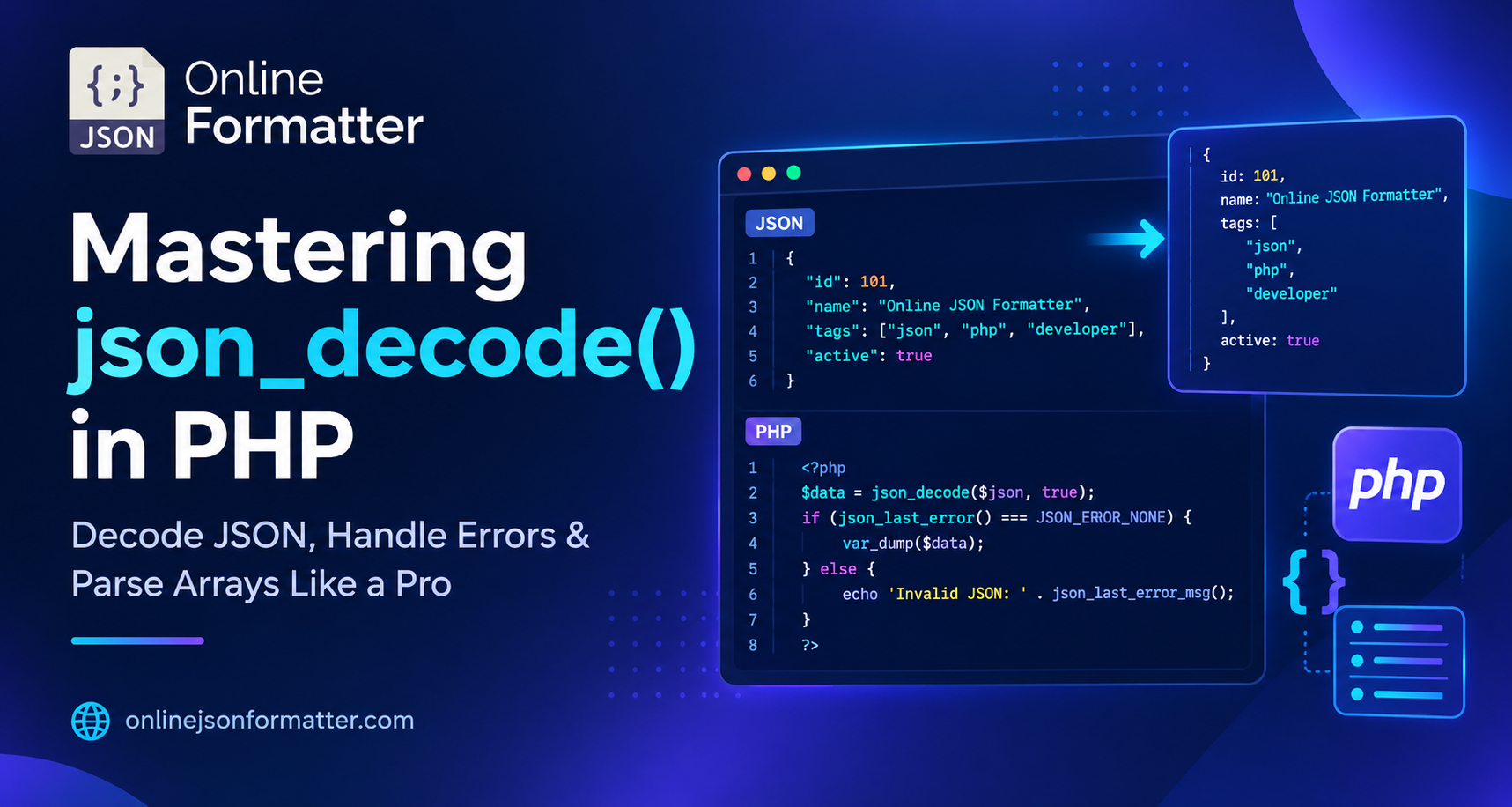

You’ve just called an API. The response comes back as a JSON string. Now what?
If you’ve ever stared at a wall of {"name":"John","age":30} and wondered how to actually use that data inside your PHP script you’re in the right place. That’s exactly what the php json_decode function is built for.
Before diving into code, if you ever need to quickly inspect, clean up, or test the structure of a complex payload, you can paste it directly into an online JSON Formatter or view it cleanly using a JSON Tree Viewer.
In this guide, we’ll break down everything from basic syntax to real-world patterns, common mistakes developers make, and a handy online tool to test your JSON on the fly.
What Is the PHP json_decode() Function?
json_decode() is a built-in PHP function that converts a JSON-encoded string into a PHP variable either an object or an associative array, depending on how you call it.
Think of it as a translator. JSON comes in from the outside world (an API, a config file, a database field), and json_decode() turns it into something PHP can natively work with. You can also test raw strings instantly using a live JSON Parser.
It was introduced in PHP 5.2.0 and is available in all modern PHP versions. No libraries, no Composer packages it’s just there.
PHP json_decode() Syntax
json_decode(
    string $json,
    bool $associative = false,
    int $depth = 512,
    int $flags = 0
): mixed
Parameters
| Parameter | Type | Description |
|---|---|---|
$json | string | The JSON string you want to decode |
$associative | bool | true = return associative array, false = return object (default) |
$depth | int | Max nesting depth (default: 512) |
$flags | int | Bitmask of JSON decode options |
The two you’ll use 95% of the time are $json and $associative.
Basic json_decode() PHP Example
Let’s start simple. Here’s a JSON string and how to decode it:
<?php

$jsonString = '{"name": "Alice", "age": 28, "city": "New York"}';

$result = json_decode($jsonString);

echo $result->name; // Alice
echo $result->age;  // 28
By default, json_decode() returns a PHP object. You access the values using the -> arrow syntax.
Simple enough, right? Now let’s look at the more developer-friendly version.
How to Decode JSON to an Array in PHP
Most developers prefer working with arrays over objects. To do that, pass true as the second argument:
<?php

$jsonString = '{"name": "Alice", "age": 28, "city": "New York"}';

$result = json_decode($jsonString, true);

echo $result['name']; // Alice
echo $result['city']; // New York
This is the json decode php associative array pattern and it’s the one you’ll see most in real codebases.
Decoding a Nested JSON Object
APIs rarely send flat JSON. Here’s how to handle nested structures:
<?php

$jsonString = '{
  "user": {
    "name": "Bob",
    "address": {
      "street": "123 Main St",
      "zip": "10001"
    }
  }
}';

$data = json_decode($jsonString, true);

echo $data['user']['name'];            // Bob
echo $data['user']['address']['zip'];  // 10001
Just keep chaining the array keys. If you want to examine how deep your structure goes or trace paths before parsing, you can utilize a JSON Depth Checker or a JSON Path Tester.
Decoding a JSON Array in PHP
What if the JSON is a list of items, not a single object? No problem:
<?php

$jsonString = '[
  {"id": 1, "product": "Laptop"},
  {"id": 2, "product": "Phone"},
  {"id": 3, "product": "Tablet"}
]';

$items = json_decode($jsonString, true);

foreach ($items as $item) {
    echo $item['id'] . ': ' . $item['product'] . PHP_EOL;
}

// Output:
// 1: Laptop
// 2: Phone
// 3: Tablet
This is the classic convert json to php array use case great for rendering lists, tables, or feeding data into a loop.
PHP JSON Parse Example: Real-World API Response
Here’s a more realistic scenario decoding a JSON response from a REST API call:
<?php

$apiResponse = '{
  "status": "success",
  "data": {
    "user_id": 101,
    "username": "johndoe",
    "email": "[email protected]",
    "roles": ["admin", "editor"]
  }
}';

$response = json_decode($apiResponse, true);

if ($response['status'] === 'success') {
    $user = $response['data'];

    echo "Welcome, " . $user['username'] . PHP_EOL;
    echo "Email: " . $user['email'] . PHP_EOL;
    echo "Roles: " . implode(', ', $user['roles']) . PHP_EOL;
}

// Output:
// Welcome, johndoe
// Email: [email protected]
// Roles: admin, editor
This is how you’d actually use json_decode() after a curl or file_get_contents() call to an external API.
How to Handle Errors in json_decode()
Here’s where most developers get it wrong they decode JSON and never check if it worked.
If the input is invalid JSON, json_decode() returns null. But it doesn’t throw an exception by default. Always make sure your JSON syntax is clean by testing strings against a strict JSON Validator or JSON Linter.
Use json_last_error() to catch problems:
<?php

$badJson = '{"name": "Alice", age: 28}'; // Missing quotes around "age"

$result = json_decode($badJson, true);

if (json_last_error() !== JSON_ERROR_NONE) {
    echo "JSON Error: " . json_last_error_msg();

    // Output:
    // JSON Error: Syntax error
}
As of PHP 7.3+, you can also use the JSON_THROW_ON_ERROR flag to throw an exception instead:
<?php

try {
    $result = json_decode($badJson, true, 512, JSON_THROW_ON_ERROR);
} catch (\JsonException $e) {
    echo "Failed to parse JSON: " . $e->getMessage();
}
This is the cleaner, modern way. Use it in any production code.
json_encode() vs json_decode() in PHP: What’s the Difference?
It’s easy to mix these up, so here’s a quick side-by-side:
| Function | Direction | Use Case |
|---|---|---|
json_encode() | PHP → JSON | Sending data to an API or storing as JSON |
json_decode() | JSON → PHP | Reading JSON from an API or database |
<?php

$array = [
    'name' => 'Alice',
    'age' => 28
];

// PHP array → JSON string
$json = json_encode($array);

echo $json;
// {"name":"Alice","age":28}

// JSON string → PHP array
$back = json_decode($json, true);

echo $back['name'];
// Alice
They’re inverses of each other. Use json_encode() to send, json_decode() to receive.
PHP json_decode() Flags You Should Know
PHP gives you a few useful flags for edge cases:
// Handle big integers safely (avoids float precision loss)
$data = json_decode($json, true, 512, JSON_BIGINT_AS_STRING);

// Throw exception on failure (PHP 7.3+)
$data = json_decode($json, true, 512, JSON_THROW_ON_ERROR);

// Combine both
$data = json_decode(
    $json,
    true,
    512,
    JSON_BIGINT_AS_STRING | JSON_THROW_ON_ERROR
);
JSON_BIGINT_AS_STRING is especially important when working with IDs from systems like Twitter or databases that use 64-bit integers PHP floats can’t represent them precisely.
Common Mistakes When Using json_decode() in PHP
1. Forgetting to Pass true for Arrays
// Returns an object
$data = json_decode($json);

// Access using:
$data->name
// Returns an associative array
$data = json_decode($json, true);
// Access using:
$data['name']2. Not Validating the JSON Before Decoding
Always check json_last_error() or use JSON_THROW_ON_ERROR.
Never assume the input is clean.
3. Passing an Already-Decoded Array
json_decode() only accepts strings. If you accidentally pass it an array or object, it returns null.
// Wrong
$data = json_decode(['key' => 'value'], true);

// null
// Right
$data = json_decode('{"key": "value"}', true);4. Exceeding the Depth Limit
The default max depth is 512 levels. Deeply nested JSON (like some graph structures) can hit this. Increase it if needed:
$data = json_decode($json, true, 1024);Best Practices for json_decode() in PHP
- Always use
JSON_THROW_ON_ERRORin PHP 7.3+ for clean error handling. - Prefer associative arrays (
trueas the second argument) they’re easier to debug and work with. - Validate the source don’t blindly trust JSON from user input or third-party APIs.
- Use type checking (
is_array(),isset()) before accessing keys. - Log decode failures silent
nullvalues in production are debugging nightmares.
Where json_decode() Is Used in Real Projects
- REST API integrations – Parsing responses from Stripe, Twilio, Google Maps, etc.
- Config files – Reading
config.jsonorsettings.jsonat runtime. - Database fields – Decoding JSON stored in MySQL JSON columns.
- Webhooks – Parsing incoming JSON payloads from services like GitHub or Shopify.
- Microservice communication – Decoding inter-service messages in a PHP backend.
Basically, any time PHP talks to the outside world, json_decode() is involved.
Online Tool: Test json_decode() Instantly
Don’t want to spin up a local PHP environment just to test a JSON decode? Use an online tool to validate and preview your JSON in real time.
JSON Formatter & Validator
Paste your JSON, check for errors, and see the structure visually.
JSON to PHP Array Converter
See exactly what json_decode($json, true) would return.
PHP Sandbox
Run actual PHP code in the browser to test your decode logic.
These tools save a ton of time during development and debugging.
Summary
The php json_decode function is one of those things you use almost every day once you start working with APIs and external data. It’s simple on the surface but has a few sharp edges error handling, object vs array output, big integer precision.
Here’s a quick recap:
- Use
json_decode($json, true)to get a PHP associative array. - Use
json_last_error()orJSON_THROW_ON_ERRORto catch bad JSON. - Use
json_encode()when you need to go the other direction. - Test and validate your JSON streams with an online JSON Formatter before wiring them into your app.
Once this pattern clicks, parsing any API response in PHP becomes almost mechanical and that’s a good thing.

